Send SMS from PC — simple, fast and professional
Send SMS from your computer via a stable and secure SMS gateway. With inMobile, you get a user-friendly solution that makes it easy to manage, schedule and document your SMS communications.

Share your message easily and quickly
With inMobile, you can send SMS from your computer and ensure your message gets through. Fast, reliable and without unnecessary intermediaries.
The platform is built for businesses that need a dependable solution for internal messaging, mission-critical communications and targeted customer outreach — regardless of volume.





What does it mean to send SMS from a PC?
Sending SMS from a PC means you can write and send SMS messages directly from your computer without using a mobile phone. Messages are sent via an SMS gateway, which ensures fast and reliable delivery to the recipient's mobile.
With a solution like inMobile, you get access to a web-based platform where you can manage all your SMS communications in one place. You can send individual messages and larger campaigns with full visibility and documentation.
It is typically used for reminders, service messages, confirmations and follow-ups, where it is important that the message is read straight away.
If you want to send SMS online via your own system, you can integrate with inMobile's SMS API and build SMS into your existing setup, whilst inMobile handles operations, security and delivery.
Send to individual recipients
If you need to contact a customer, employee or partner quickly, you can send an SMS directly from inMobile in seconds. Simply create a new message, select the recipient and sender name, write your text in the SMS builder and press send.
Messages can also be automated — triggered by new bookings, order confirmations or reminders, for example. This saves you time and ensures that important communications are always sent on time.

Discover how easy it is to send SMS from a PC
Book a no-obligation consultation with one of our specialists. Or create a free account and explore all of inMobile's features for 14 days.

Send SMS to groups
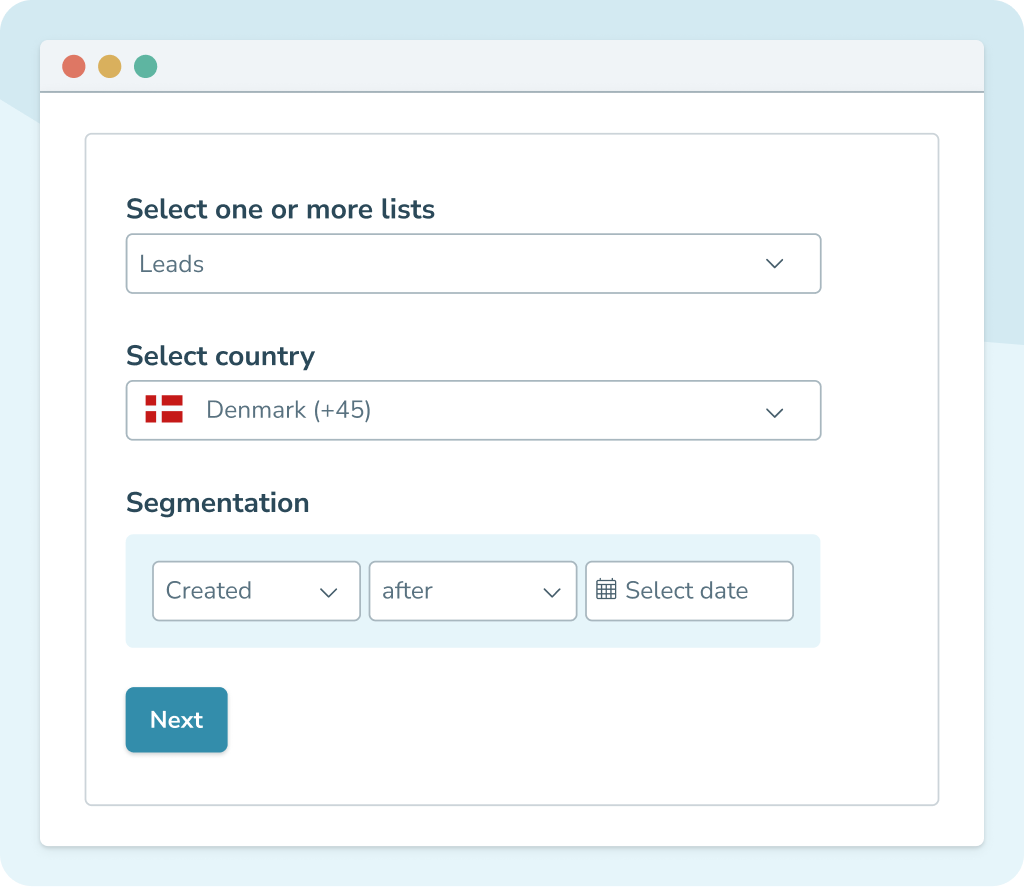
If you need to reach many recipients at once, you can send SMS to entire contact lists directly from inMobile. Simply select the list or lists you want to send to, and create your group SMS message.
You can also choose to exclude specific lists, send only to specific countries and enable segmentation by selected criteria. You can activate mobile number cooldown so that recipients don't receive too many messages within a given period. This gives you full control over your campaigns.
Send SMS from your computer
When you send SMS from your PC, it goes through a professional SMS gateway — the technical infrastructure that connects your message to telecom operator networks and ensures fast, reliable delivery both in Denmark and internationally.
An SMS gateway is built for operational reliability. That means high uptime, scalable capacity and the ability to handle everything from individual messages to large-scale sends.
With inMobile, you choose how you want to work with SMS.
You can use the web-based platform, integrate an SMS module into your own system via API, or send SMS from Outlook using the email-to-SMS feature — whichever best suits your workflow.
In all cases, inMobile handles the connection to the operators, delivery reliability and technical operations, so you can focus on the communication itself.
Unlock new possibilities with innovative integrations


What can you use SMS from PC for?
Marketing
SMS marketing lets you communicate directly and effectively with your customers. You can send campaigns, offers and product launches from your computer and schedule them to land at exactly the right time.
Want to send an automated message to new members of your loyalty programme? Segment recipients by purchase history? Or combine SMS with other channels like RCS marketing? With inMobile, you can manage all your mobile communications in one place.
Operations & service messages
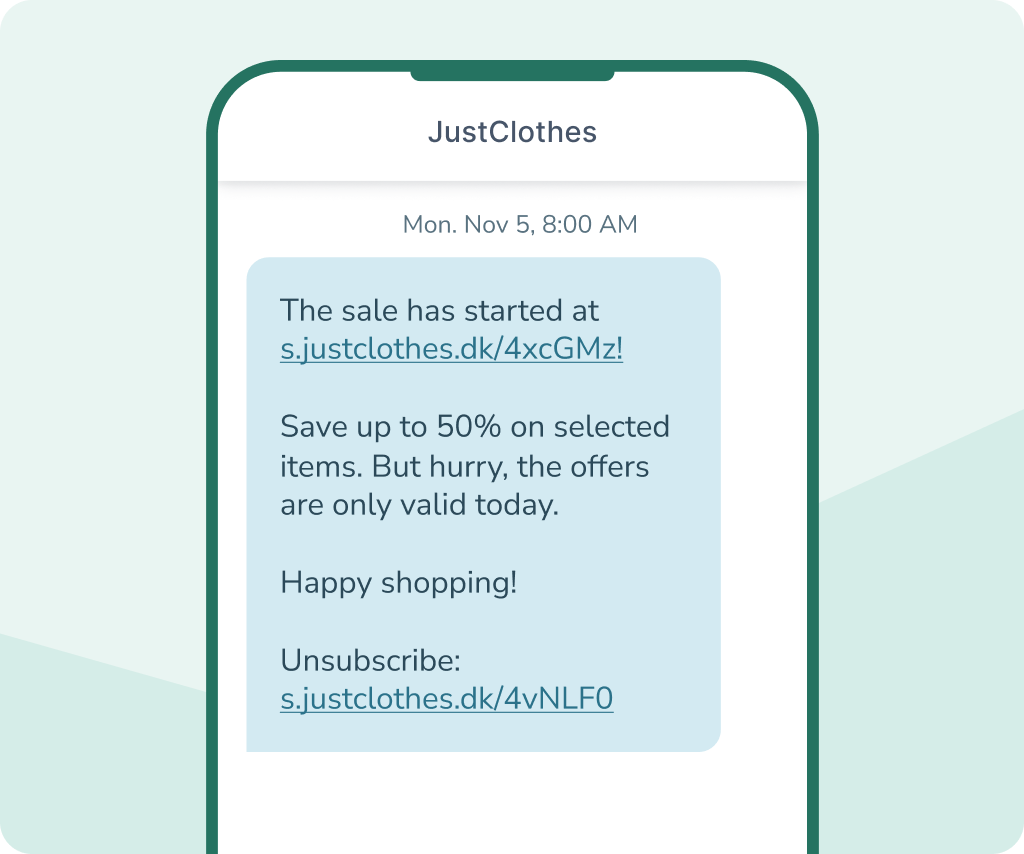
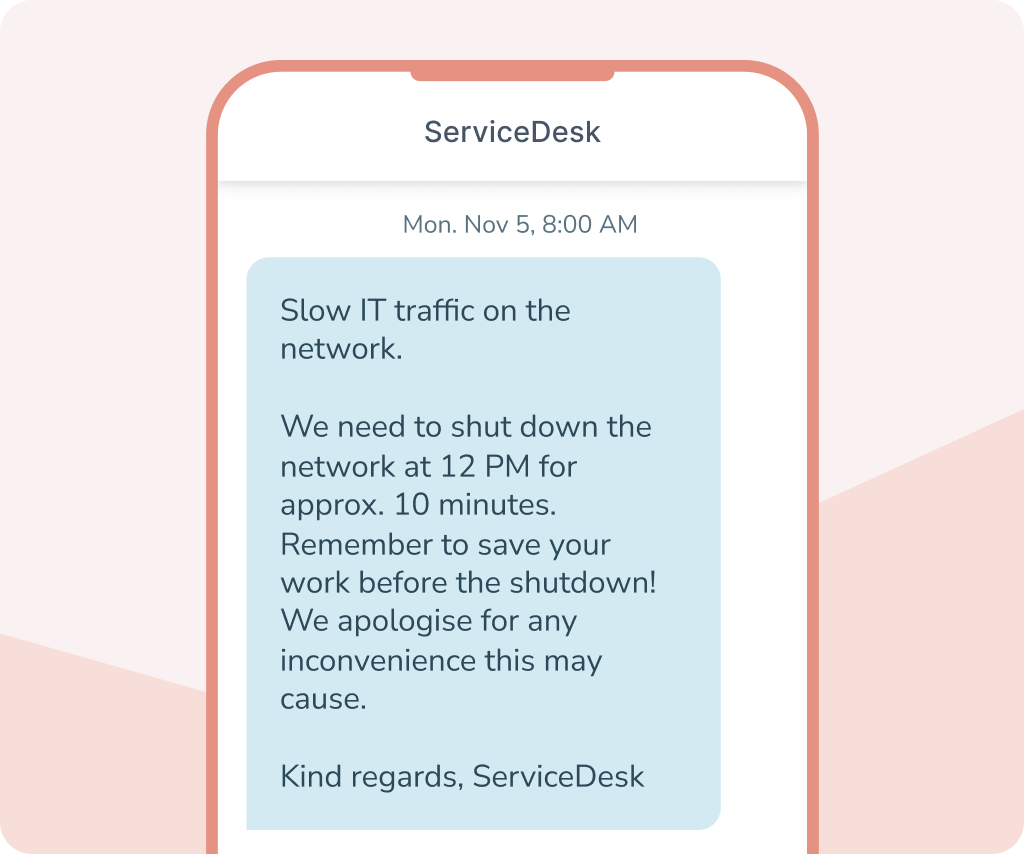
SMS service is an effective channel for both mission-critical and important service messages, where prompt delivery is essential. This includes scheduled maintenance, system updates or unforeseen outages — as well as booking confirmations, reminders, delivery updates and case status.
Should customers be informed straight away? Should a reminder be sent automatically before an appointment? Or do you want a more visual and conversational experience with buttons, images and a verified sender profile via RCS? With inMobile, you can manage all your service communications in one place.
Internal communication
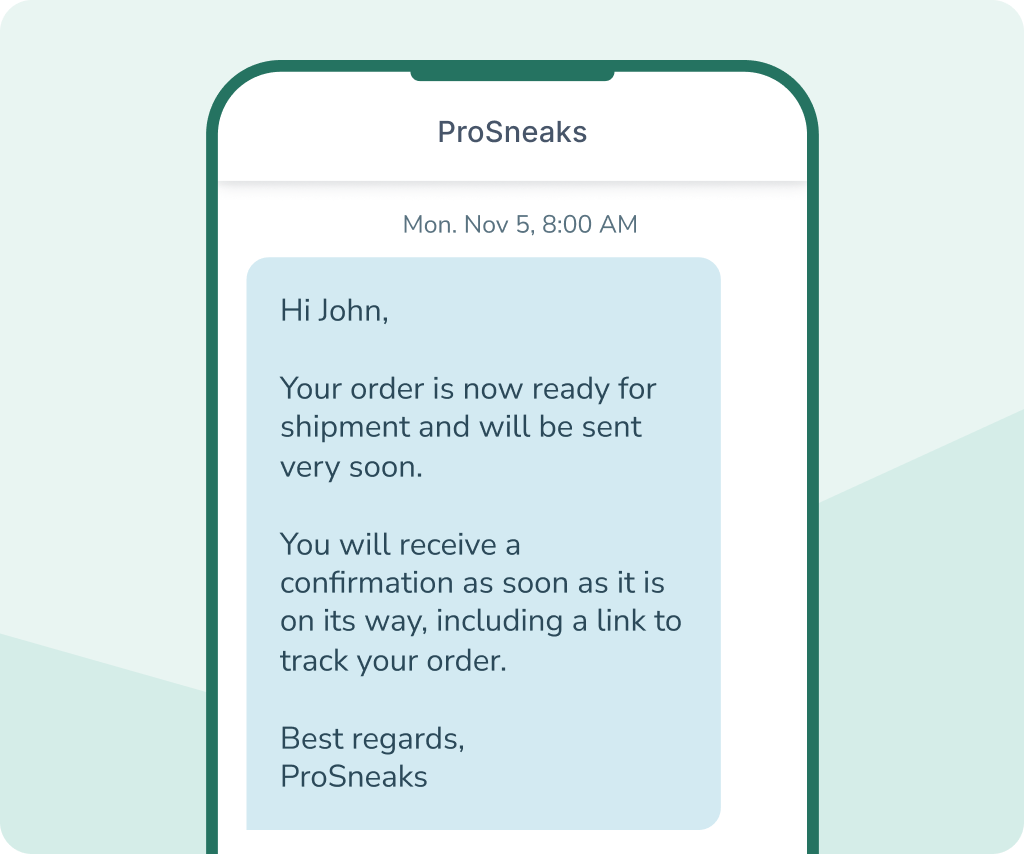
Reach your employees quickly and directly on their mobile with SMS. This could be shift roster changes, internal operational updates or urgent information where everyone needs to be notified straight away.
Should the message go to the entire organisation or just a specific department? With group SMS and segmentation, you can target your communications so they reach the right recipients.
If you need two-way communication, you can enable two-way SMS, allowing employees to reply directly to the message. That way, all your communications and documentation are kept in one place.
API integration
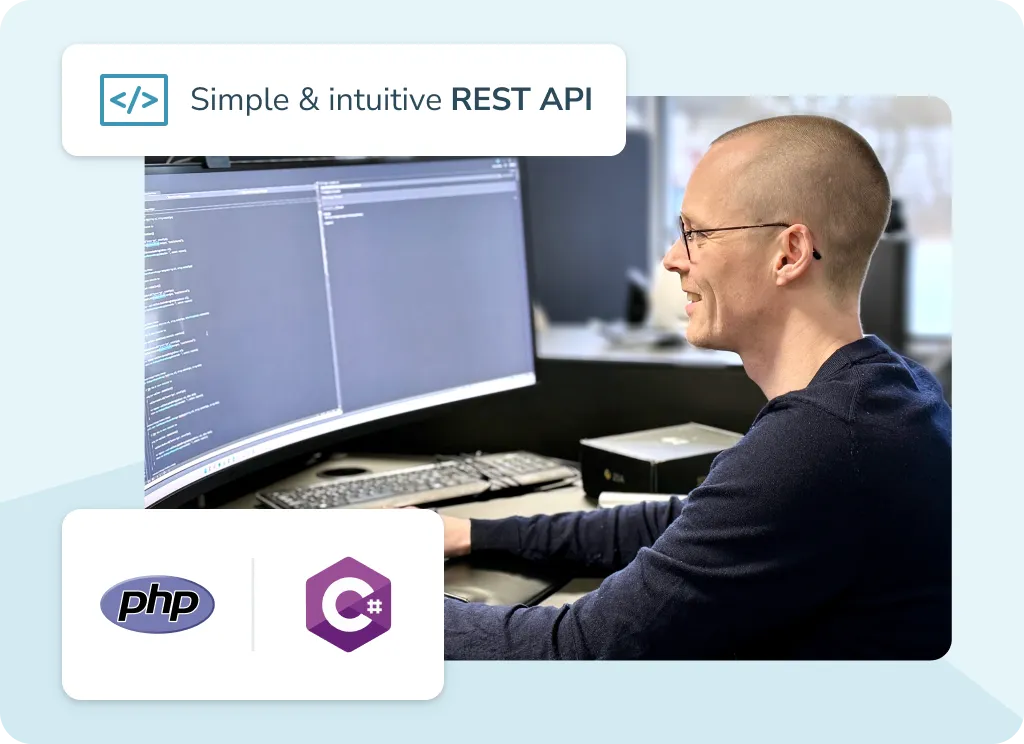
Do you want to integrate SMS directly into your own systems? With inMobile's SMS API, you can send and receive messages from your CRM, web shop, booking system or operations system — and manage all your communications in one place.
Should a message be sent when an order is created? When an appointment is changed? Or when a system detects an event? With a well-documented REST API, you can manage both individual messages and automated flows, while inMobile handles operations, security and the connection to the operators in the background. You can also combine SMS with transactional email through the same integration.



Why choose inMobile for SMS from PC?
99.998% uptime
24/7 on-call support
Hosted in the EU
GDPR compliant
+300 million
+35,000 users
Features for SMS from PC
In inMobile, you'll find a wide range of features that make it easy to plan, target and document your SMS communications — whether you're sending individual messages or large-scale campaigns.


Automatic opt-out
If you send marketing messages, inMobile can automatically insert the legally required opt-out option for you.

Split sends
If you're sending to a large number of recipients, you can send in batches. This reduces the load on your website and ensures more stable traffic.

Schedule messages
Schedule your SMS messages to be sent at exactly the right time — for both individual messages and automated flows.

SMS templates
Save and reuse your most-used messages as templates. This saves time and ensures consistent communication.

Recurring sends
Got messages that need to go out at regular intervals? With recurring sends, you can automate repeating SMS messages.

Segmentation
Target your campaigns with segmentation based on integration data and send only relevant messages to the right recipients.

Logs and delivery reports
Get a full overview of your traffic with detailed reports. View delivery status, click-through rates and history — and document exactly what's been sent.

Integrations
Connect inMobile to your existing systems and automatically sync data for a unified overview and data-driven messaging.

Custom sender name
Choose which sender name appears to the recipient. This boosts brand recognition and ensures your messages are instantly recognisable.
Pricing for SMS from a PC
The cost of sending an SMS from a PC depends on how many messages you send and which countries you send to. With inMobile, you pay a low monthly fee to get full access to the entire platform, including all features.
If you send high volumes of SMS, you may be eligible for a lower price per SMS. View current pricing or get in touch to find out more.
You also pay a fixed price per SMS sent — and only for the messages you actually send.
- SMS to 200+ countries
- Access to all features
- Unlimited contacts and users
- Free email, phone and chat support
- 24/7/365 on-call support
Contact us for a tailor-made offer >
FAQ: SMS from PC
Yes, you can send SMS directly from your computer using an SMS gateway. With a solution like inMobile, you can write and send messages from a web-based platform or integrate SMS into your own systems via an API.
Create an account with an SMS provider like inMobile, log in to the platform and create a new message. Select your recipients, write your text and either send immediately or schedule the message for later.
Yes, with inMobile you can send SMS to recipients anywhere in the world. Price depends on country and volume. Read more about sending SMS abroad here.
Yes, with two-way SMS, recipients can reply directly to your message. Incoming messages are displayed in the platform or can be received via an API.
No. You can send SMS directly from a web browser without installing any software. Alternatively, SMS can be integrated into your own systems via an SMS API.
Yes, if you choose a professional provider with a focus on security. With inMobile, data is hosted in the EU and the platform is GDPR compliant and ISAE 3000 audited by Deloitte.