SMS module
Send and receive SMS from your own systems with a professional SMS module. Integrate SMS into your CRM, webshop or booking system and automate your SMS communication.

Integrate SMS into your systems
With an SMS module, you can integrate SMS into your own systems. Instead of managing messages across multiple tools, you can send and receive SMS directly from your own internal platform.
This means your communication is consolidated in one place – whether you're sending manual messages, automating your sends, or using features like group SMS.
With inMobile's SMS module, you get a flexible solution where SMS becomes a natural part of your existing workflows.

Integrate SMS into your own systems
Send automated messages via SMS API
Enable 2-way SMS and manage replies in the platform
Bring all your communication together in one system





Why use an SMS module?
An SMS module lets you integrate SMS directly into your existing systems and workflows. Instead of switching between platforms, you can manage your SMS communication where your data and processes already live.
This creates a more efficient workflow, as messages can be sent based on the data you already work with. You also get a clearer overview of your communication, as messages, replies and history can be linked directly to your customers, users or processes in the system.
In short, an SMS module lets you consolidate, automate and scale your SMS communication – without significantly changing the way you already work.
Integrate your SMS module
Create a free trial account and test inMobile's SMS module.
Or book a meeting with one of our specialists and get expert guidance on the easiest way to integrate SMS into your systems.

How an SMS module works
#1 Integrate the SMS module into your system
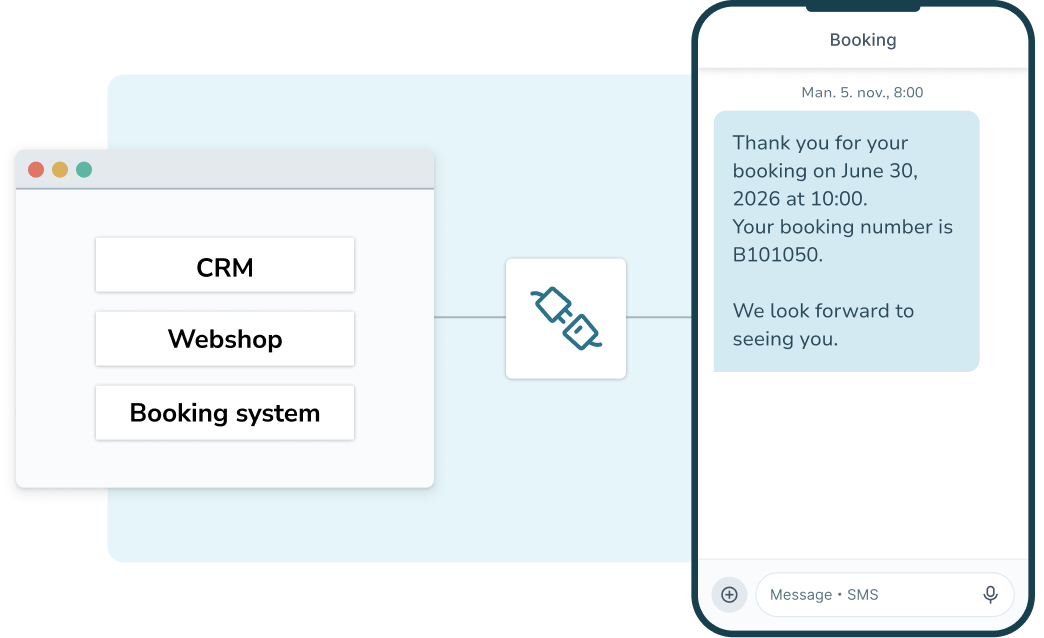
The first step is to integrate the SMS module into the system where you want to manage your communication. This could be your CRM, customer system, booking system or webshop. Integration is typically done via an SMS API that connects your system directly to inMobile's SMS gateway.
Once the integration is set up, you can send SMS messages without logging into a separate platform. Messages can be sent manually or automatically based on events in your system.
#2 Set up triggers or workflows
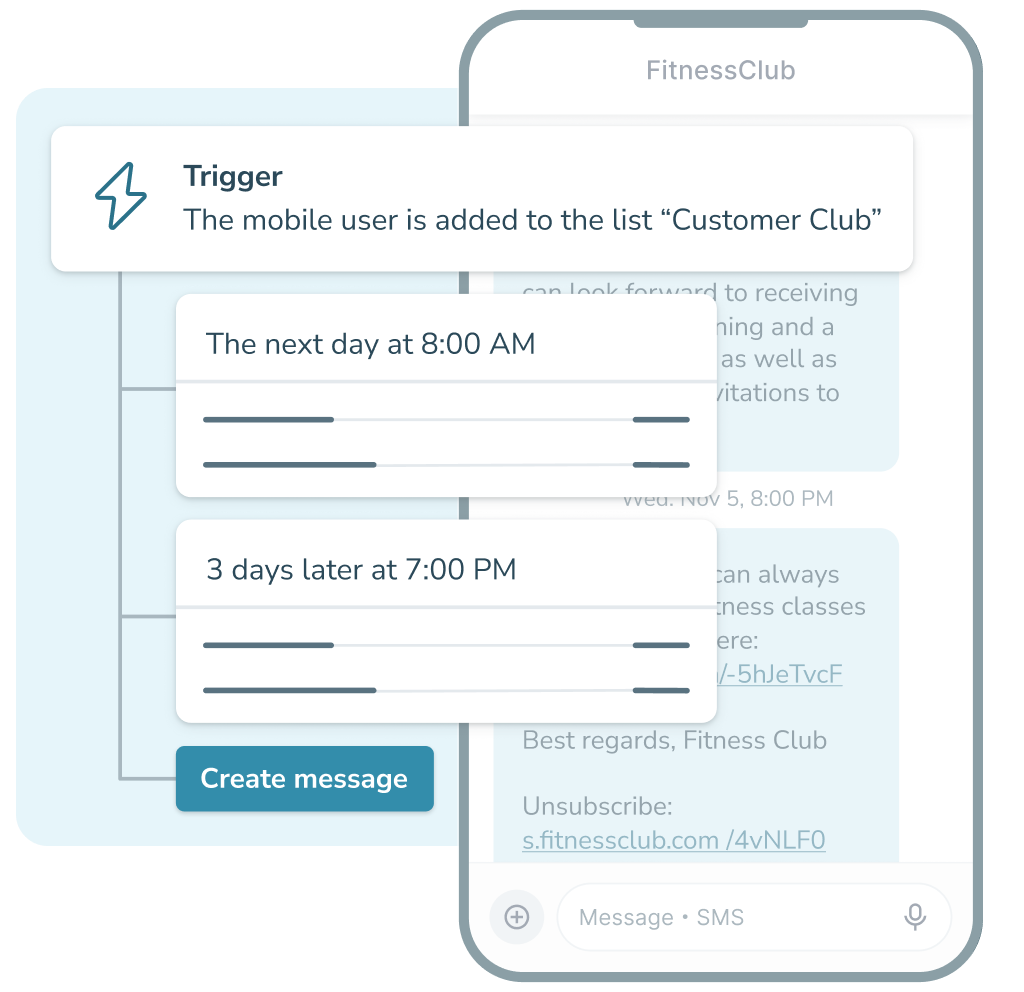
Once the SMS module is integrated, you can define how and when your messages are sent – manually from your system when you need to send individual messages, or automatically when a specific event occurs.
This could be when an order is created, a booking changes, or a system detects an important update. This way, SMS becomes a natural part of your existing workflows and communication processes.
#3 Send automatic or manual messages
Once the SMS module is set up, you can send and receive messages from your own system. This means employees can create and send SMS without switching platforms, and replies from recipients can be handled in the same place.
You can also link messages to customers, cases or orders in the system, keeping all communication in one place and easy to track for support, sales, marketing and operations.

Open up new possibilities with innovative integrations




What can you use an SMS module for?
Marketing
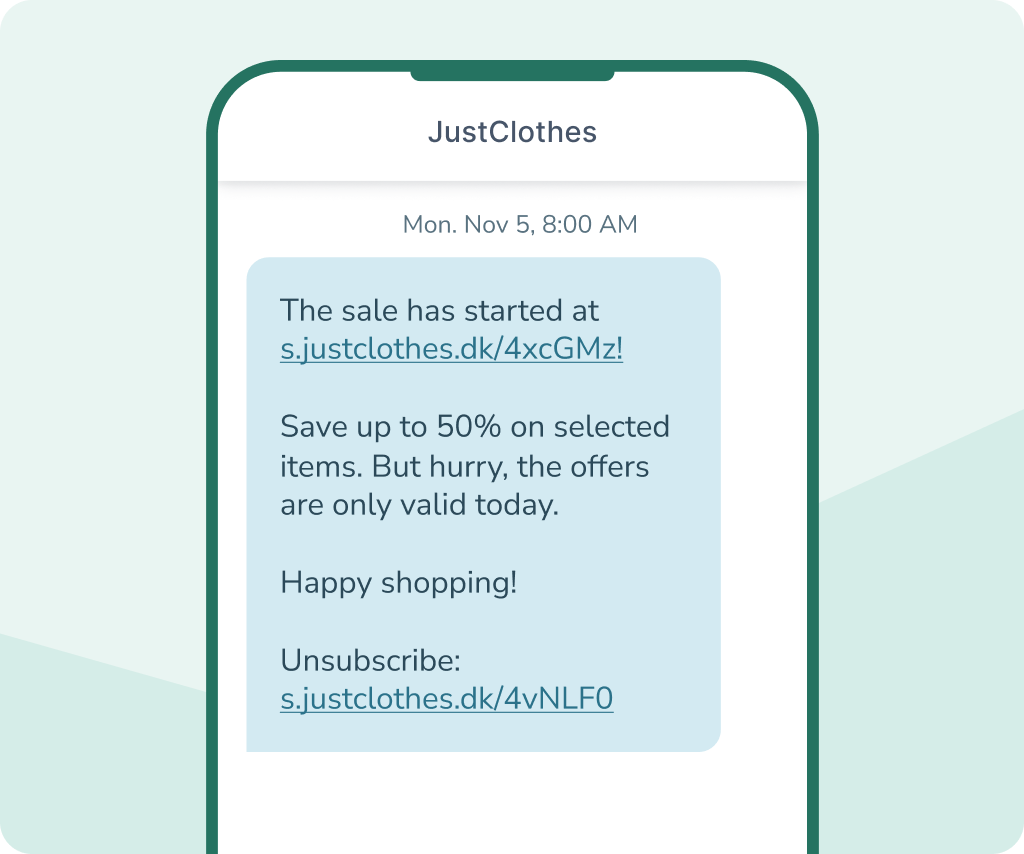
SMS marketing lets you communicate directly and effectively with your customers. With an SMS module, your marketing messages can be sent based on data and events recorded in your own systems, making communication more relevant and targeted.
Want to send an SMS to new members of your loyalty programme? Re-engage customers after a purchase? Or combine SMS with other channels like RCS marketing? With an SMS module, you can integrate SMS into your existing workflows and manage all your mobile communication from one place.
Service messages
SMS is an effective channel for service messages, where information needs to be delivered quickly and reliably. With an SMS module, messages can be sent based on events in your systems, so recipients automatically receive updates and important information straight away.
Does a customer need a booking confirmation? Or does an employee need to be notified of roster changes? With an SMS module, your service messages can be sent seamlessly as part of your existing workflows.
Notifications
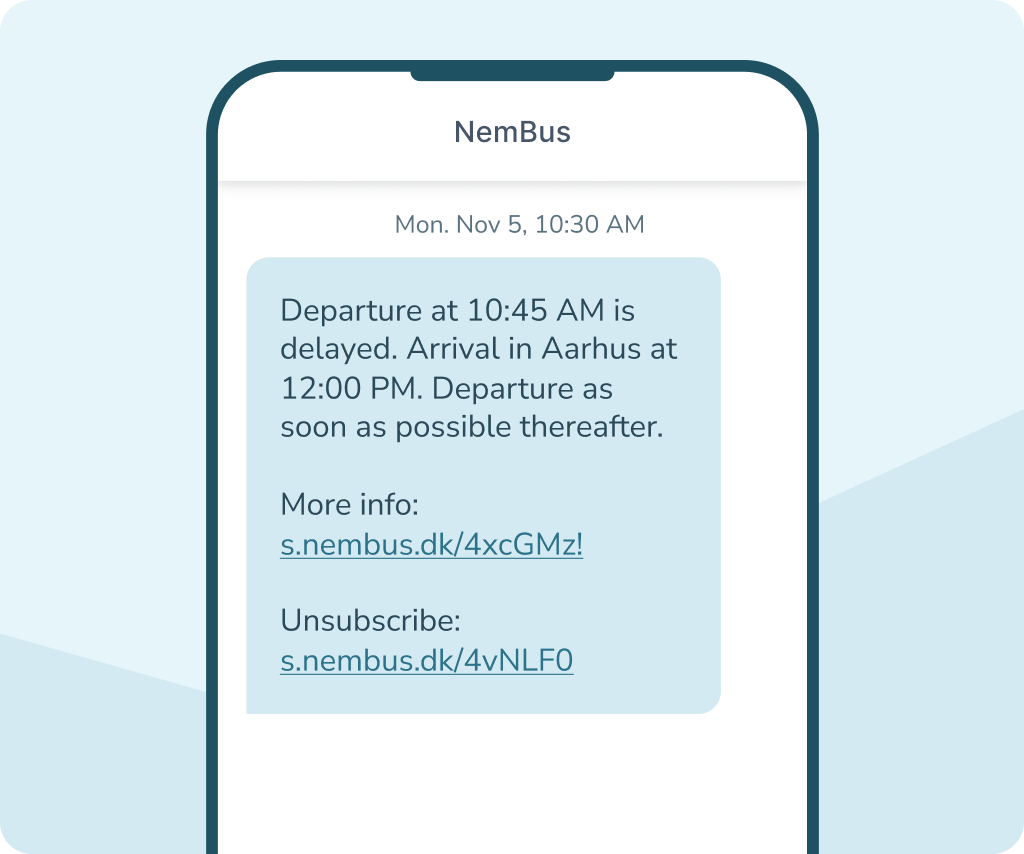
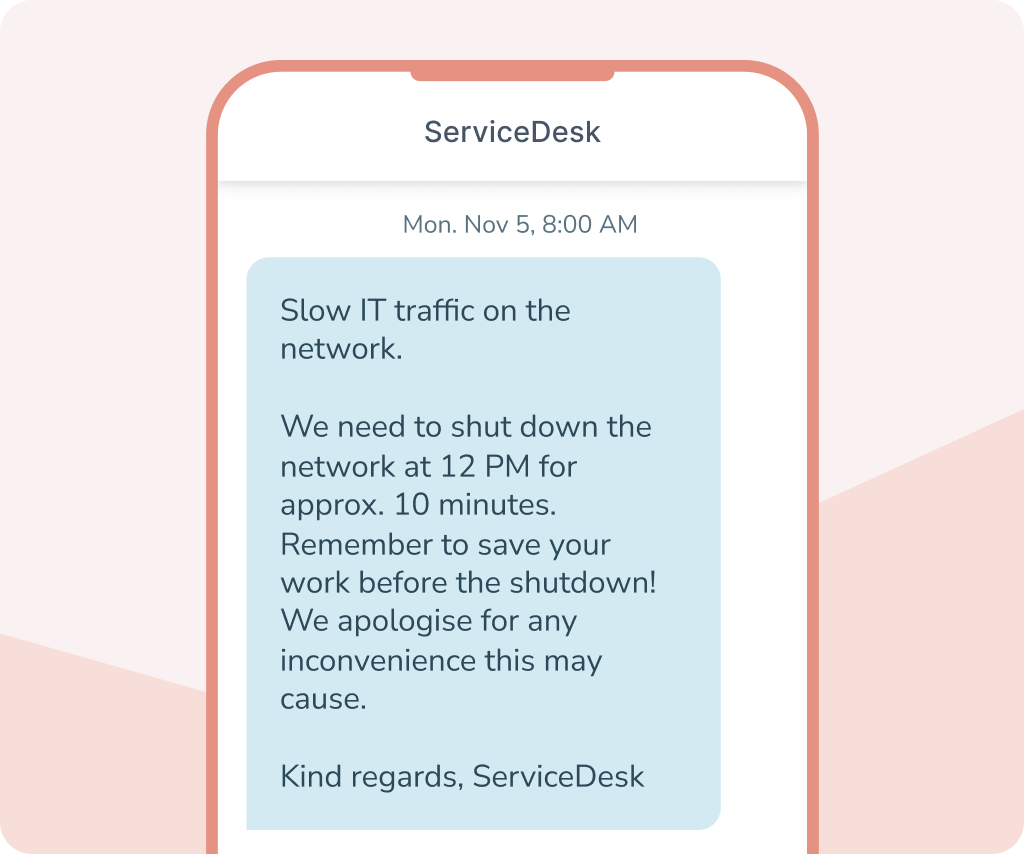
SMS is an effective channel for notifications, where messages need to be read immediately. With an SMS module, your systems can send messages automatically when events or changes occur that users or employees need to know about.
These could be system updates, operational alerts or internal messages sent manually or automatically from your own platforms. This way, you ensure important information reaches the right people quickly.
Integration and automation
With an SMS module, you can integrate SMS directly into your existing systems via an SMS API. This means your systems can send and receive messages based on events, data or actions within your own systems.
For example, you can trigger a message when an order is created, a booking changes, or a system detects an important update. You can also receive replies, retrieve delivery status and manage communication directly within your existing systems. This way, SMS becomes an integral part of your current workflow.



Why choose inMobile's SMS module
99.998% uptime
24/7 on-call support
Hosting in the EU
GDPR compliant
+300 million
+35,000 users
Features of inMobile's SMS module
When integrating an SMS module into your own systems, it's important to have the right features for secure message handling. With inMobile's SMS module, you get a flexible solution that makes it easy to work with SMS in your existing systems and workflows.


API integration
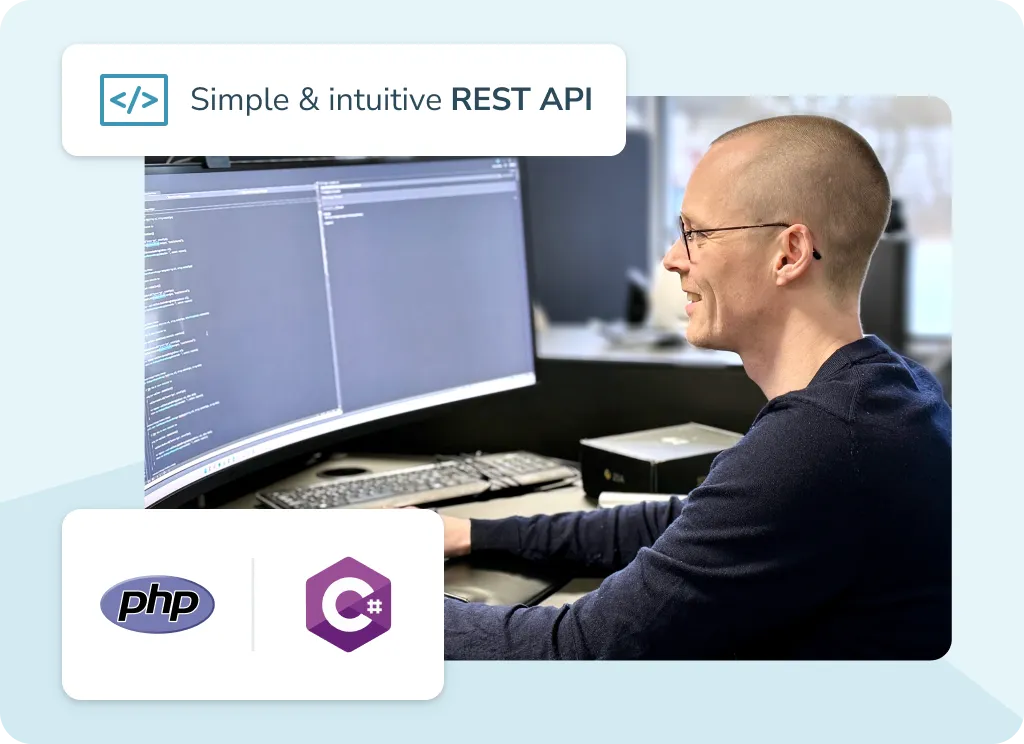
Integrate SMS with your systems via inMobile's REST API. This lets you send and receive messages on your preferred platform.

Automation
Send SMS automatically when specific events occur in your systems, such as new orders or system notifications.

2-way SMS
Enables recipients to reply to your messages with a virtual number, so dialogue can be managed directly in your own systems.

Segmentation
Target your messages based on the data in your own systems, so SMS is only sent to relevant recipients.

Multiple API keys
Create multiple API keys for different systems or environments, so you can easily separate integrations and control access.

Templates
Save and reuse your most-used SMS messages as templates, making it even easier to send consistent messages.

IP whitelisting
Restrict access to your API with IP whitelisting. Increase security and control which systems can send messages.

Integrations
Connect the SMS module to your CRM, webshop, customer service system or other internal platforms and bring all communication together in one place.

Webhooks
Receive delivery status and incoming messages in your system via webhooks, so you can respond to events in real time.
The price of an SMS module
The price of an SMS module depends on how many SMS messages you send. With inMobile, you pay a fixed monthly fee for full access to the platform and all its features – including SMS API, integrations, reporting and an unlimited number of users and contacts.
On top of that, you pay a fixed price per SMS sent. The price varies depending on the recipients' geographical destination and your volume. You only ever pay for the messages you actually send.
- SMS to 200+ countries
- Access to all features
- Unlimited contacts and users
- Free email, phone and chat support
- 24/7/365 on-call support
Contact us for a tailor-made offer >
FAQ: SMS module
An SMS module lets you integrate SMS directly into your own systems. This means you can send and receive SMS from your CRM, webshop or customer system via an integration with inMobile's SMS gateway.
An SMS module is typically integrated via an SMS API. You connect your system to the SMS platform, so your applications can send and receive messages via the integration.
Yes. When SMS is integrated into your systems, messages can be sent automatically based on events in your workflows, such as new orders, booking changes or system notifications.
Yes. If you enable 2-way SMS with a virtual number, recipients can reply to your messages. Replies can then be managed in your own system or via inMobile's SMS platform.
Yes. Professional SMS solutions like inMobile's support security features such as API keys, IP whitelisting and encrypted connections, so only authorised systems can send messages via the integration.
No, but they are closely related. An SMS gateway is the technical infrastructure that forwards messages to mobile operators' networks. An SMS module, on the other hand, is the integration that lets you send and receive SMS directly from your own systems via an SMS gateway.
The SMS module connects your system to your gateway.
An SMS module can be integrated with many types of systems, such as CRM, webshop, booking systems, customer systems or internal platforms, making SMS a natural part of your existing workflows.
Not necessarily, but an integration typically requires some technical setup. The SMS module itself is integrated via an SMS API, which a developer connects to your organisation's systems.
Once the integration is set up, the SMS features can be used directly in your own system by marketing, support, HR and more.