Transactional email: Reliable and secure
Send transactional emails containing important information such as order confirmations, service notifications and 2FA. With inMobile’s email API, you get stable delivery, high security and a seamless integration with your existing systems.

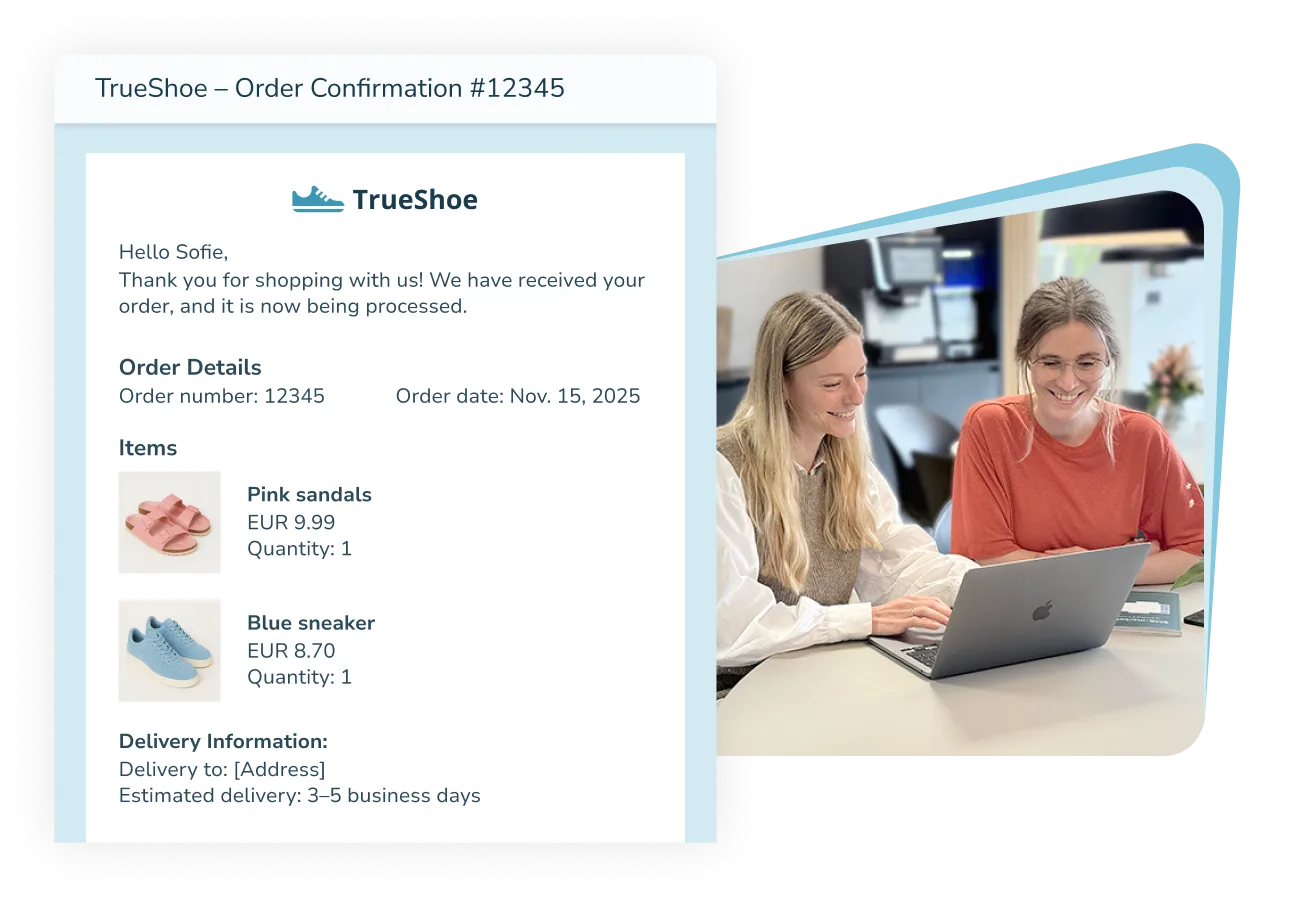





What is a transactional email?
A transactional email is an automated message sent when a customer performs a specific action – for example completing a purchase, resetting a password or creating an account. Its purpose is to confirm, inform or guide the recipient, making sure they know their action has been completed correctly.
Typical examples of transactional emails include:
- Order confirmations and receipts
- Delivery information
- Account creation and login details
- Payment reminders and confirmations
Unlike classic marketing emails, transactional emails are not just about selling. They deliver important, real-time information – creating reassurance and a smooth experience for the recipient.

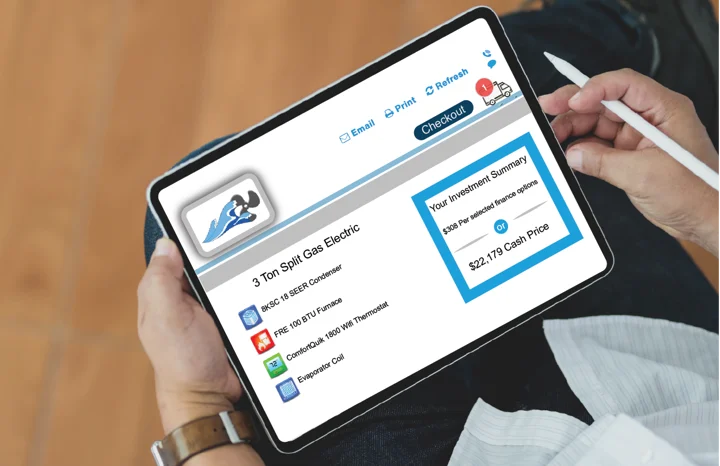


Why use transactional emails?
Transactional emails ensure that important messages are delivered exactly when they are needed. They play a crucial role in the customer experience because they build trust and save time for both you and your recipients.
These emails often contain critical information, such as passwords, order confirmations or payment details, that customers expect to receive immediately. A delayed email can create doubt, while a fast and reliable message reassures the recipient that everything is working as it should.
With inMobile, you get an email solution that combines high delivery reliability with flexibility and personal support.
Send messages directly from your own systems via our email API and automate your flows, ensuring that every email is delivered quickly, securely and in full compliance with GDPR.
Reliable delivery
Transactional emails are essential to the customer journey and must be delivered with precision. inMobile’s infrastructure ensures your emails are processed quickly, securely and consistently.
Automated emails
Eliminate manual processes and save time. Automate order confirmations, passwords and invoices so your important messages are sent at exactly the right moment.
Personalised experience
Make your emails relevant to each recipient. Customise sender name, design and content — for example with names or order details — so every message feels personal.
GDPR & top-level security
inMobile is ISAE 3000 audited by Deloitte and processes all data securely within the EU. This means you can communicate confidently, knowing everything complies with GDPR.
How to use transactional emails
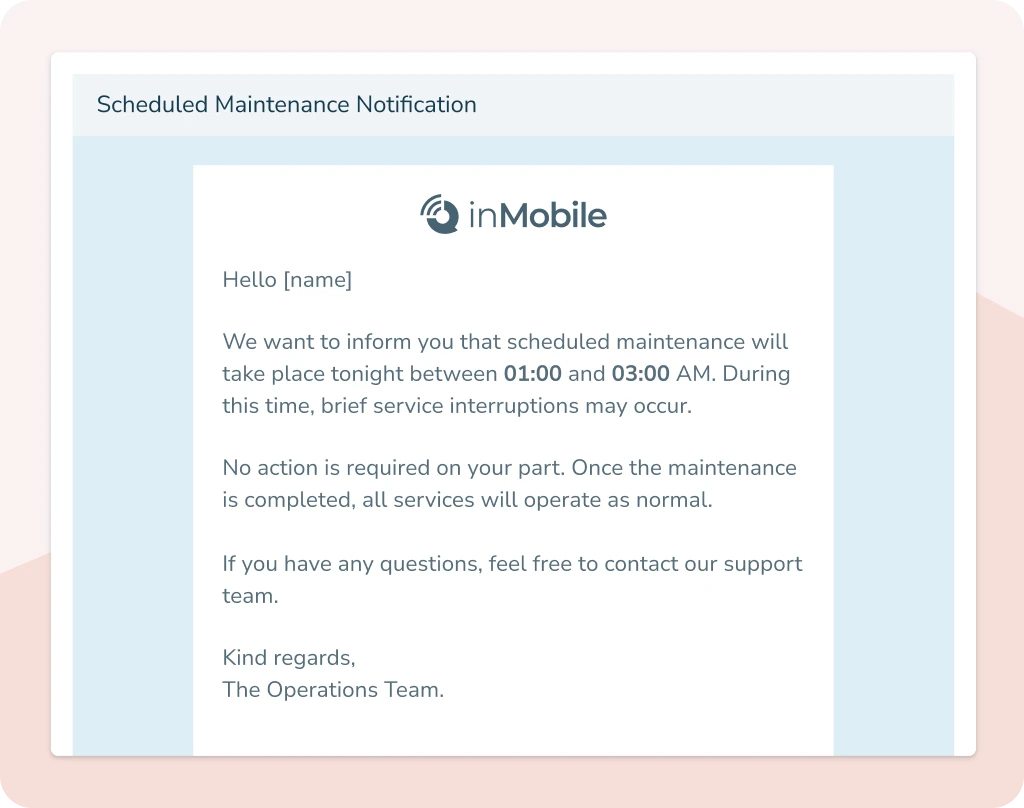
A transactional email ensures recipients get the information they need exactly when expected. With inMobile’s email API, you can send transactional emails across departments, resulting in a consistent and professional experience every time.

Order confirmations
Confirm the customer’s purchase with clear details about the order and payment. This provides reassurance and documentation that the transaction was completed correctly.

Shipping information
Keep customers updated on dispatch, delivery and any changes. Make it easy to track their parcel and avoid unnecessary support enquiries.

Invoices and payment receipts
Send invoices and receipts automatically so customers always have their documentation stored in one place. Professional, efficient and completely hands-free.

Payment reminders
Remind customers about upcoming or overdue payments. Automate the process to avoid delays and maintain good customer relationships.

Passwords and login links
Help users securely and quickly access their account with unique login links or password reset emails. This creates a safe and smooth experience.

Account creation
Confirm when a user creates an account or updates their details. A quick and friendly email builds trust and helps them get started.

Service notifications
Inform users about operations, updates or changes. Ensure important messages arrive on time and are easy to understand and act on.

Alerts and notifications
Send messages when something requires user attention, such as errors, security updates or login attempts. This increases security and responsiveness.

Event registrations
Confirm registrations for events, webinars or meetings, and send practical information in advance. This keeps participants informed and engaged.
Email templates:
Build beautiful emails that stand out
Advanced preview
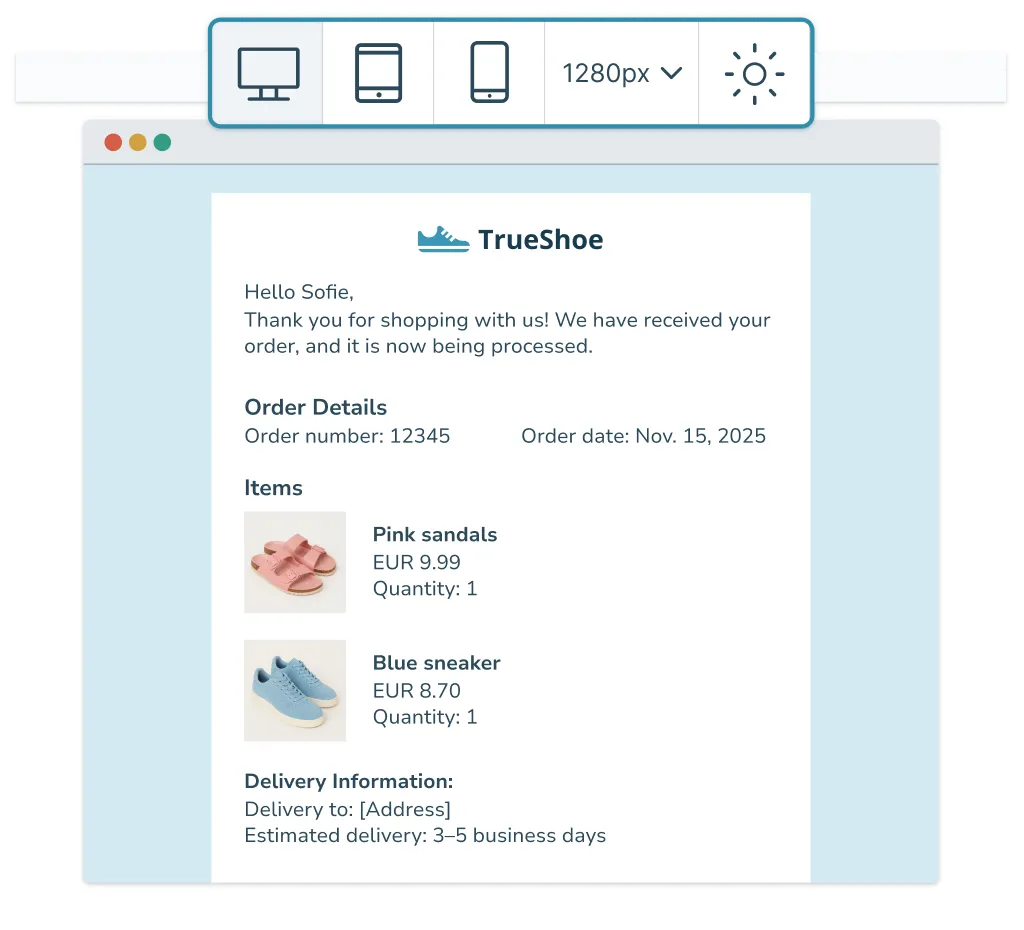
Make sure your emails look just as good for the recipient as they do in the editor. With inMobile’s advanced preview, you can test your emails across devices, screen sizes and in both light and dark mode.
See exactly how your email appears on mobile, desktop and in dark mode before you send it. This ensures your design remains sharp and your brand looks professional — no matter which inbox the recipient opens it in.
- Preview on mobile and desktop
- Test in light and dark mode
- Adjust according to screen size
- See changes in real time
AI assistance
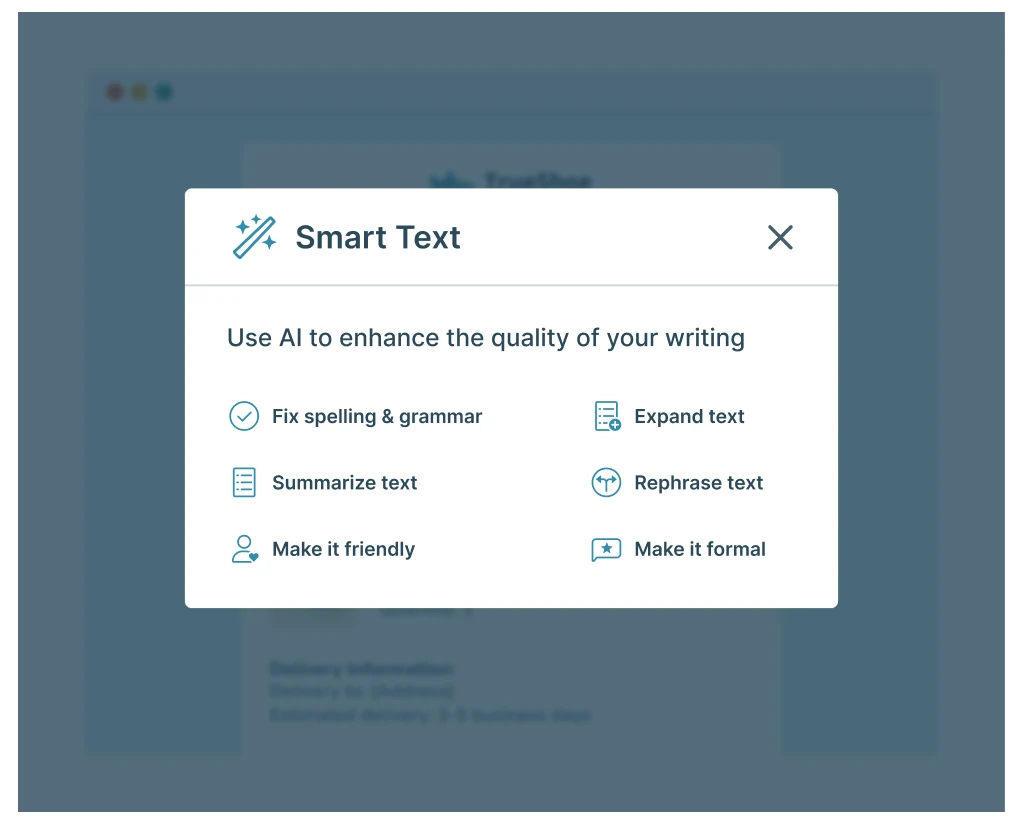
Create compelling content in record time with the email editor’s built-in AI assistance. The AI tool helps you write copy and generate images directly within the editor, allowing you to produce professional, brand-aligned emails quickly.
Use AI to enhance your email texts, find the right phrasing or create images that match your message. AI helps you save time without compromising on quality.
- Generate text directly in the editor
- Create beautiful images with AI
- Get inspiration for text and images
- Edit content quickly and easily
HTML code
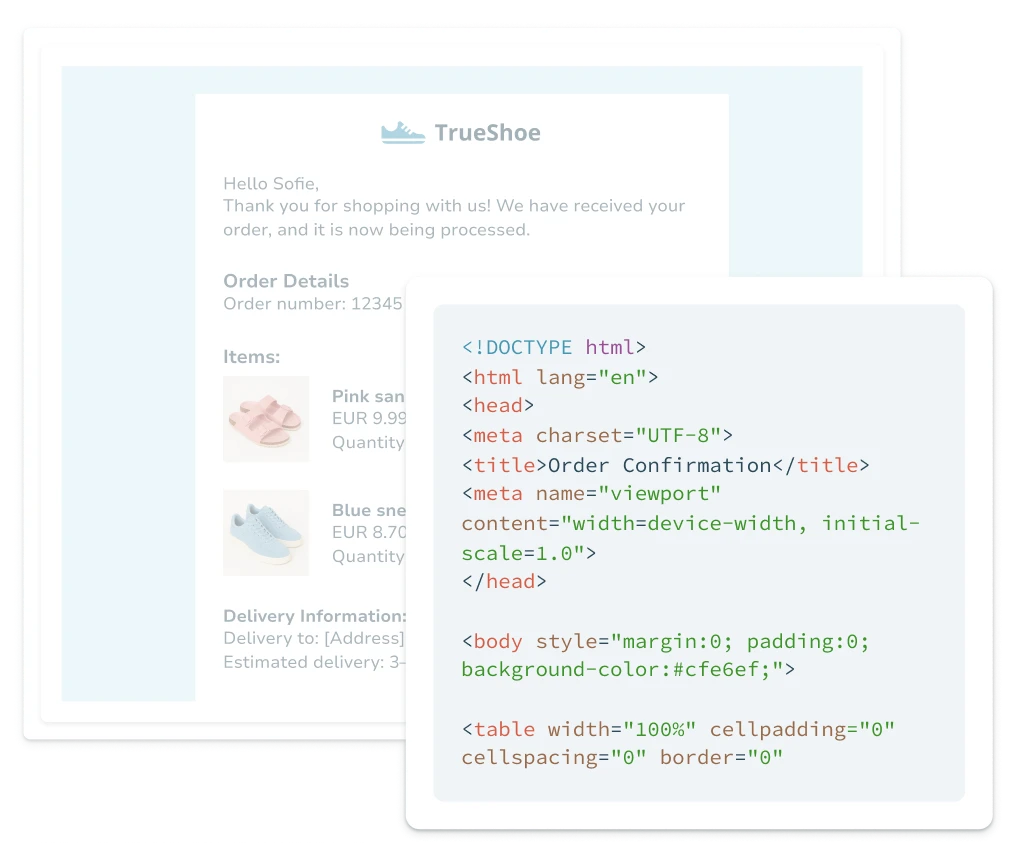
Customise your emails when you need complete control over the design. With the HTML feature, you can add or edit your own HTML directly in the email editor. This gives you the freedom to build unique templates, adjust existing layouts and add special elements that match your brand.
The user-friendly drag-and-drop editor remains intact, allowing both developers and other team members to work efficiently in the same tool. Use HTML when you want to fine-tune your design or test details that the visual editor does not cover.
- Insert and edit your own HTML
- Combine drag-and-drop with code
- Save and reuse HTML snippets
- Safe and validated HTML output
Personalisation
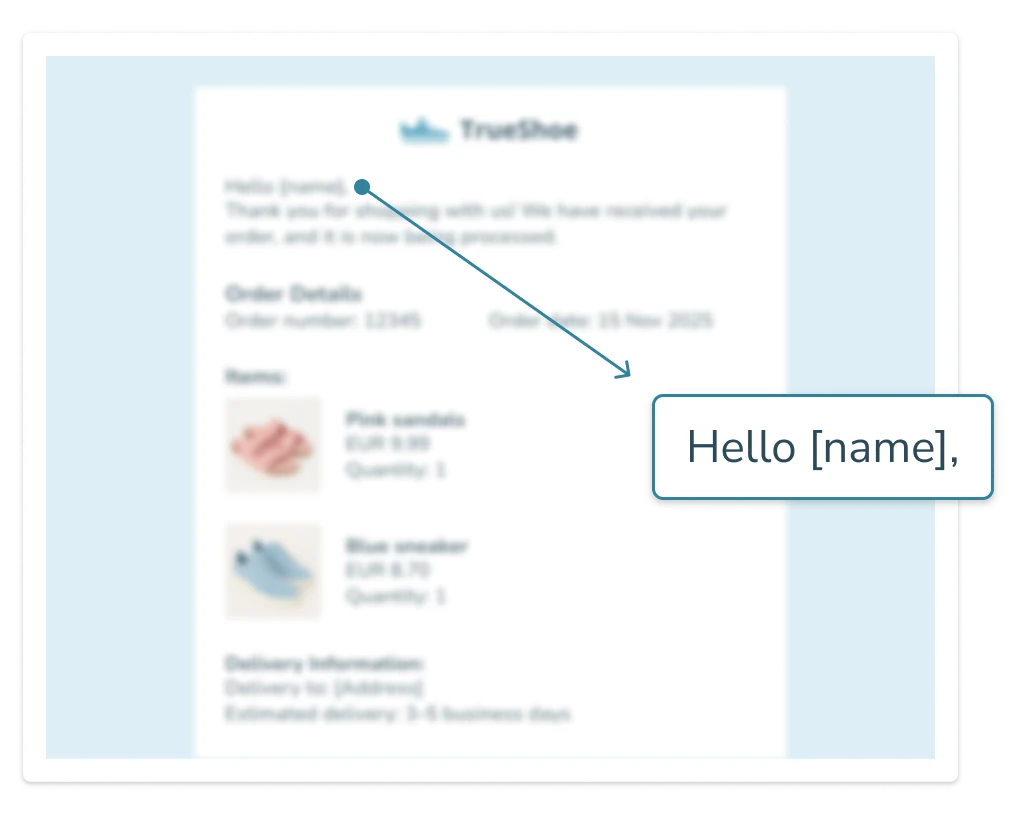
Make your emails more relevant to each recipient. With inMobile’s email editor, you can create your own placeholders such as [name], [order_number] or [date], which are automatically filled with the correct data via the API when the email is sent.
This ensures every recipient receives an email that feels personal and relevant - without extra manual work.
It works perfectly for order confirmations, reminders, service updates and marketing messages where personalised communication makes a real difference.
- Send relevant emails
- Make communication feel tailored
- Insert dynamic placeholders
- Fill in recipient data automatically via API
Start sending emails
Try inMobile’s email API free for 14 days – no credit card or binding required.
Or book a meeting with our team to find out more.

Email API: The reliable engine behind your emails
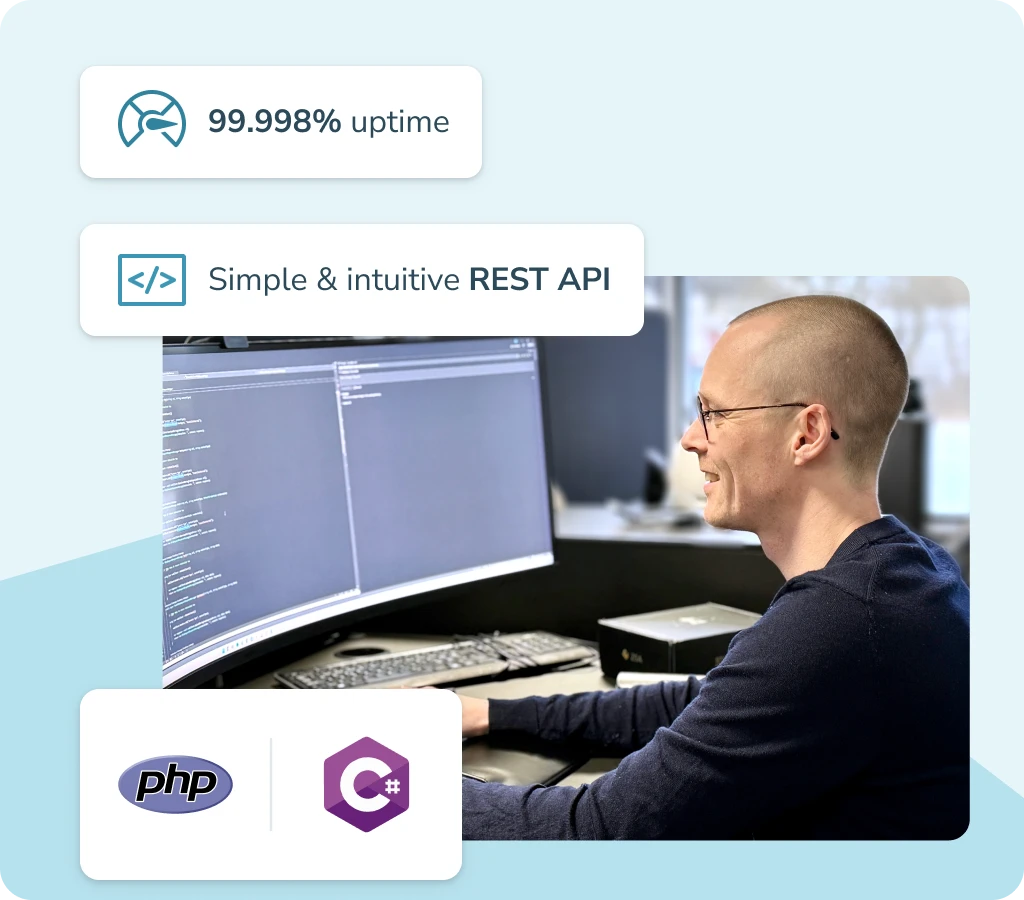
Send transactional emails from your own systems with inMobile’s email API. The API gives you full control over when and to whom messages are sent, ensuring fast and reliable delivery.
Integrate the API with your existing system and use inMobile’s infrastructure as the reliable engine behind your email campaigns.
With inMobile’s email API, you get:
- Fast implementation via REST API
- High delivery reliability and detailed logging
- A scalable solution that grows with your needs.
Email marketing: Strengthen your customer relations
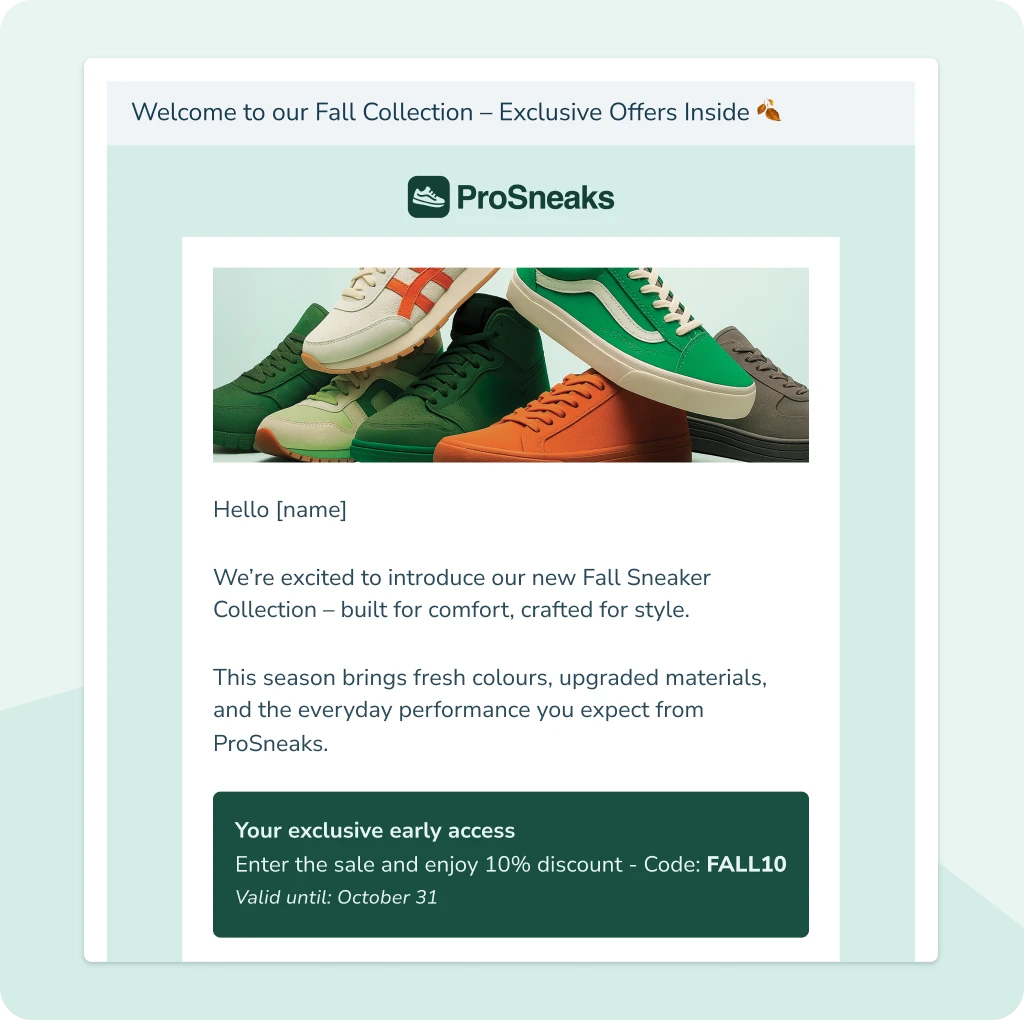
Build stronger customer relationships with targeted email marketing. Create your email templates in inMobile and use your own data to ensure every message is personal and relevant. Remember to include your own unsubscribe link with an associated landing page to comply with marketing law and retain full control over your communication.
With inMobile’s email marketing, you can:
- Integrate your CRM, marketing or e-commerce system with inMobile
- Automate email sends and save time on manual processes
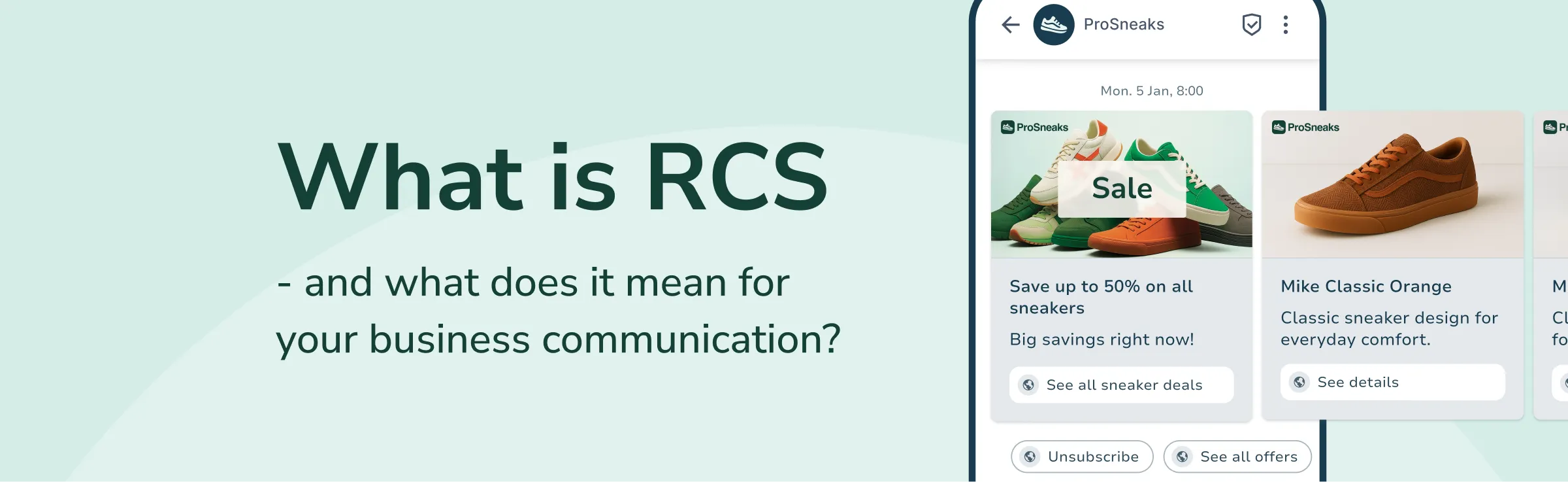
- Combine email with SMS and RCS for a unified communication strategy.
Email service: Keep recipients updated with automated emails
Send important messages quickly, securely and automatically. With inMobile’s email service, you can send service notifications, operational updates, appointment changes and other critical information that needs to reach the recipient without delay.
The stable email infrastructure ensures that every message is delivered correctly and in full compliance with GDPR.
With inMobile’s email service, you can:
- Keep both customers and employees updated in real time
- Automate service notifications, reminders and status updates
- Ensure high reliability and complete data protection for every email sent.
With inMobile’s
email API, you get…
A fast setup
Stable performance and security
Scalable solution
Authentication and standards
Authentication and standards ensure your email delivery
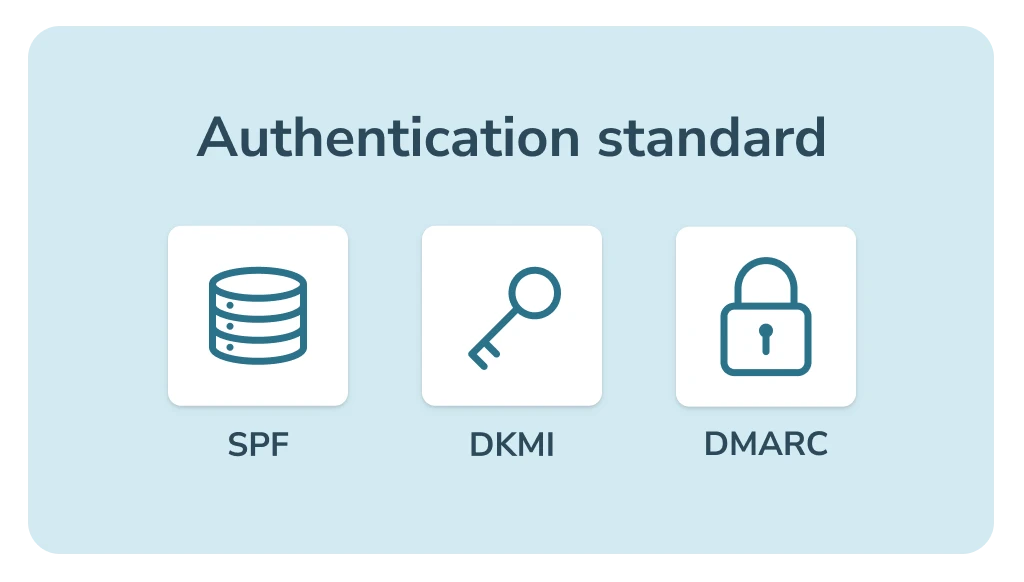
All transactional emails sent via inMobile’s email API are authenticated using industry standards such as SPF, DKIM and DMARC. These protocols allow receiving mail servers to verify that the email genuinely comes from you - and treat it as legitimate, secure and trustworthy.
Proper authentication reduces the risk of emails ending up in spam and ensures that critical messages such as order confirmations, invoices and password resets are delivered safely to the recipient’s inbox.
REST API for transactional email
Start sending secure transactional emails using inMobile’s REST API.


use Inmobile\InmobileSDK\InmobileApi;
use Inmobile\InmobileSDK\RequestModels\Message;

/*
 * Initialize the Inmobile API Client
 */
$api = new InmobileApi('my-api-token');

/*
 * Send the message
 */
$response = $api->messages()->send(
    Message::create('This is a message text to be sent')
        ->from('1245')
        ->to('4512345678')
);// Wrap the following in a try/catch - should also be done for all calls to the api
try
{
var result = client.SmsOutgoing.SendSmsMessages(new List<OutgoingSmsMessageCreateInfo>() {
new OutgoingSmsMessageCreateInfo(to: "4511223344", text: "Hello world", from: "FancyShop", statusCallbackUrl: null)
});
// statusCallbackUrl: Specify a url if you want report callbacks
}
catch (InMobileApiException ex)
{
Console.WriteLine("Unexpected exception: " + ex.Message);
}Email features
Transactional emails are essential to the experience your customers have with your business. With inMobile’s email tool, you get access to features that make it easy to send emails that look professional, feel personal and are delivered securely.
Everything from history and templates to authentication and data security is designed to support stable and reliable communication across your organisation.


History
Get a complete overview of your sent emails. See recipients and delivery status so you can document exactly when messages were sent and received.

Templates
Save and reuse your email templates for a faster setup. You can tailor design, content and branding so your transactional emails always appear consistent.

Personalisation
Make your emails more relevant to each recipient. Insert personal data such as name, order details or account information so every message feels individual.

GDPR and data security
inMobile is ISAE 3000 audited and follows all GDPR standards, ensuring your data is handled securely. All processing and storage take place within the EU.

Suppression list
When an email hard bounces, the recipient is automatically added to your suppression list. This prevents future sends to invalid addresses.

Timeline
Get a clear overview of what happens to each email, from send to delivery, opens and clicks. This makes it easy to document activity and optimise your communication.
You might also like...


FAQ: Transactional emails
A transactional email is a message sent to a single recipient as a direct result of an action related to a transaction - for example a purchase, a payment or an account update. These emails are typically sent automatically, triggered by the specific action, and therefore require no manual effort. Their purpose is to confirm, inform or guide the recipient.
Typical examples of transactional emails:
- Order confirmations
- Shipping updates
- Passwords or login resets
- Payment reminder or receipt
- Account creation and confirmation.
inMobile’s email API allows you to send emails directly from your own systems. You integrate your system with inMobile via our REST API and can then automate everything from order confirmations and password resets to service messages.
Yes. inMobile is ISAE 3000 audited by Deloitte, and all data processing is carried out within the EU in accordance with GDPR. Our email infrastructure uses authentication standards such as SPF, DKIM and DMARC, ensuring your messages are handled and delivered securely.
Transactional emails focus on operations, trust and customer experience, while marketing emails typically aim to drive sales and engagement. Marketing emails require consent, whereas transactional emails are sent as part of an ongoing customer action and therefore do not require marketing permission or an unsubscribe link - as long as the content strictly relates to the specific transaction.
If in doubt, we recommend seeking legal advice.
Yes. inMobile’s email API can be used globally, allowing you to send transactional emails to recipients locally and abroad. Delivery reliability remains the same, and all messages are sent through stable, secure connections.
You can create a free trial account with inMobile and start sending emails as soon as you have integrated with our API. Integration is simple via REST API, and our support team is ready to help you get started.
No. A transactional email such as an order confirmation, password reset or payment update — which the recipient expects to receive — does not require marketing consent. This is because transactional emails are part of an ongoing transaction and do not constitute marketing, as long as the content is strictly limited to the specific action.
If you are in doubt, we recommend consulting a legal expert.