RCS: Bring your messages to life
Stand out and give your customers a visual experience with RCS. Send messages featuring images, videos, buttons and branded content – directly inside the recipient’s messaging app.

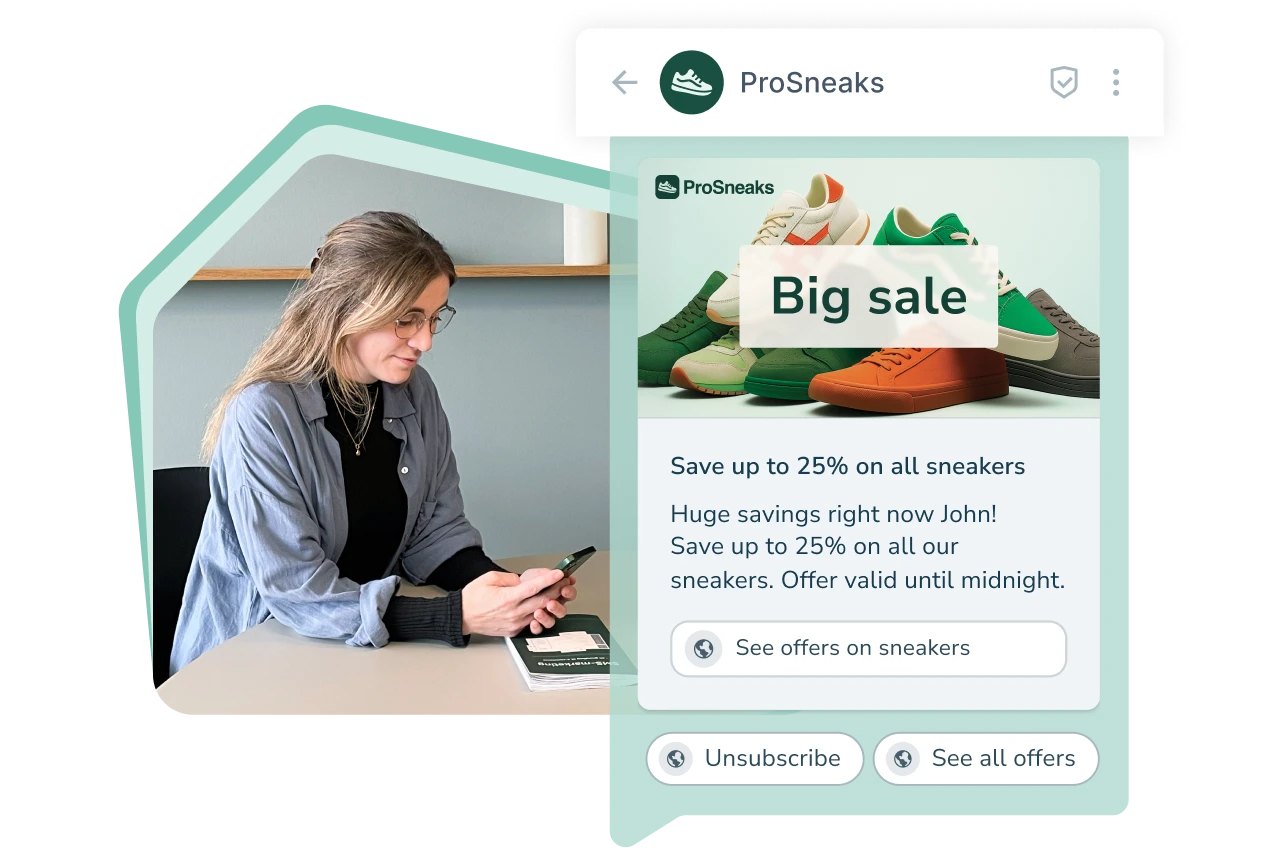





What is RCS: From text to interaction
For decades, SMS has been the most reliable way to reach customers directly. But as our communication evolves, the messaging format must evolve with it. That is why we are welcoming RCS with open arms.
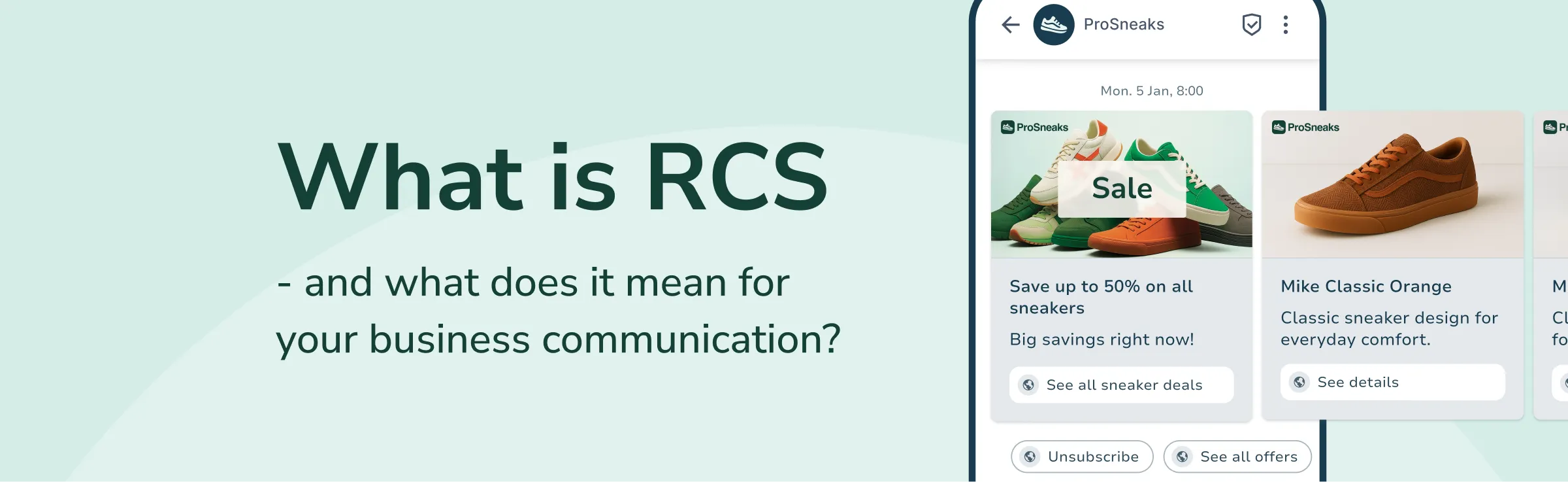
With RCS, your messages become more dynamic through images, videos, reactions, buttons and verified senders (RCS agents). It creates an interactive and trustworthy experience for the recipient – all within the familiar messaging app.
Put simply: SMS informs – RCS delivers an experience.
This is also why an SMS gateway remains a strong channel for critical messages.
72 %
74 %
35 x
Why RCS: An interactive platform
RCS business messaging is far more than plain text. You can combine text, images, videos, buttons, links and product feeds in a single unified format displayed directly in the recipient’s messaging app. This makes your communication more intuitive, engaging and effective — whether you use RCS for service messages, marketing campaigns, customer support, 2FA or general information.
A visual and interactive experience
Communicate in a more dynamic and visually engaging way with RCS business messaging. Use rich media such as images, videos and buttons in one cohesive message, bringing your communication to life and making it easy to act on.
Whether you use RCS for updates, support or campaigns, you can create experiences that increase interaction — without the recipient needing to switch platforms.
- Images and video
- Clickable buttons
- Swipeable carousels
- Dynamic layouts
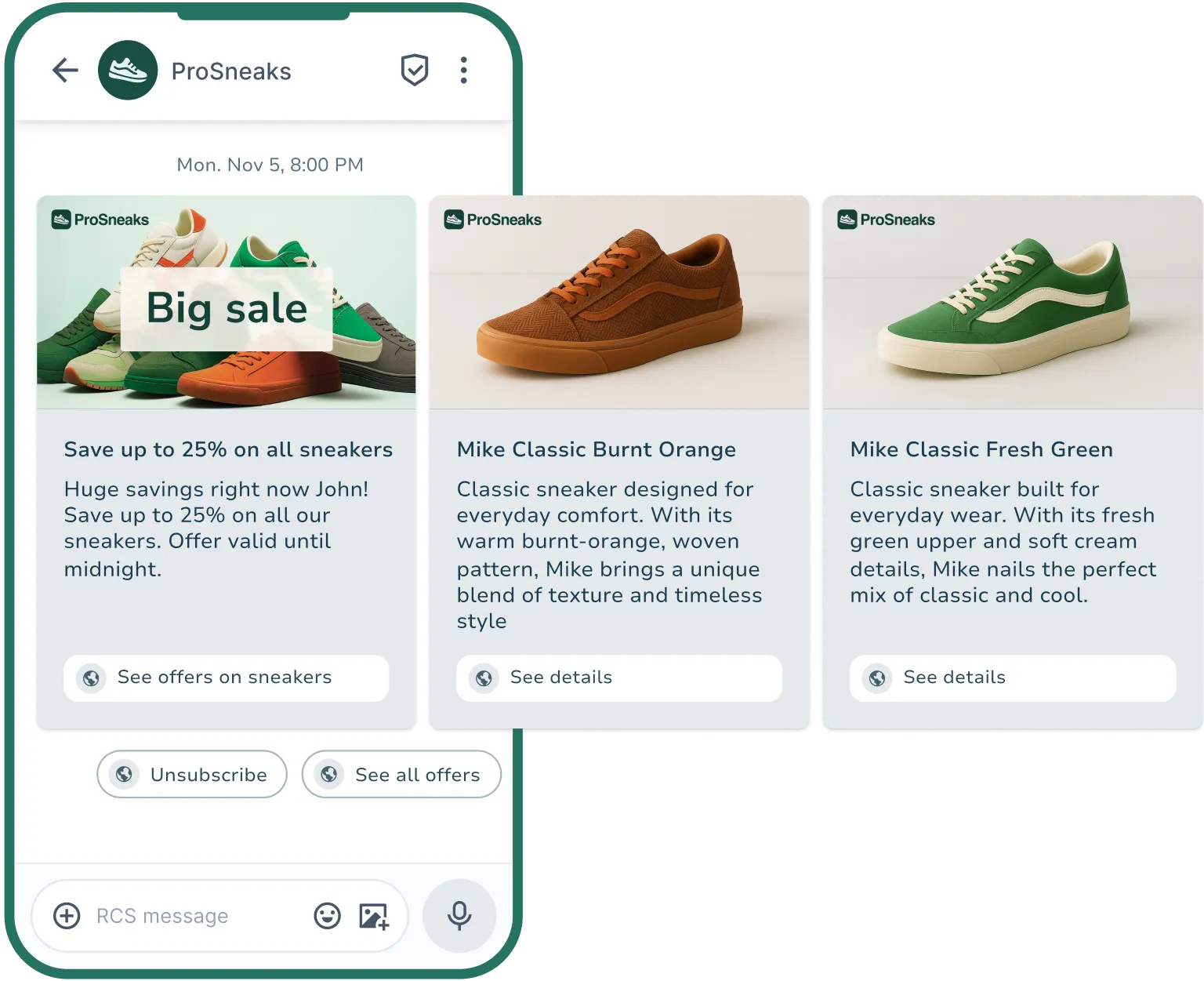
Branded sender with an RCS agent
With RCS business messaging, you can strengthen your brand directly inside the message thread. A verified RCS agent displays your logo and company name alongside a verification badge, allowing recipients to instantly recognise the sender.
The RCS agent ensures your brand is reflected consistently across channels. Recipients experience a professional, familiar and trustworthy sender — and that creates immediate confidence.
- Verified sender
- Logo and brand colours
- Custom design
- Secure messaging channel

Measurable results and insights
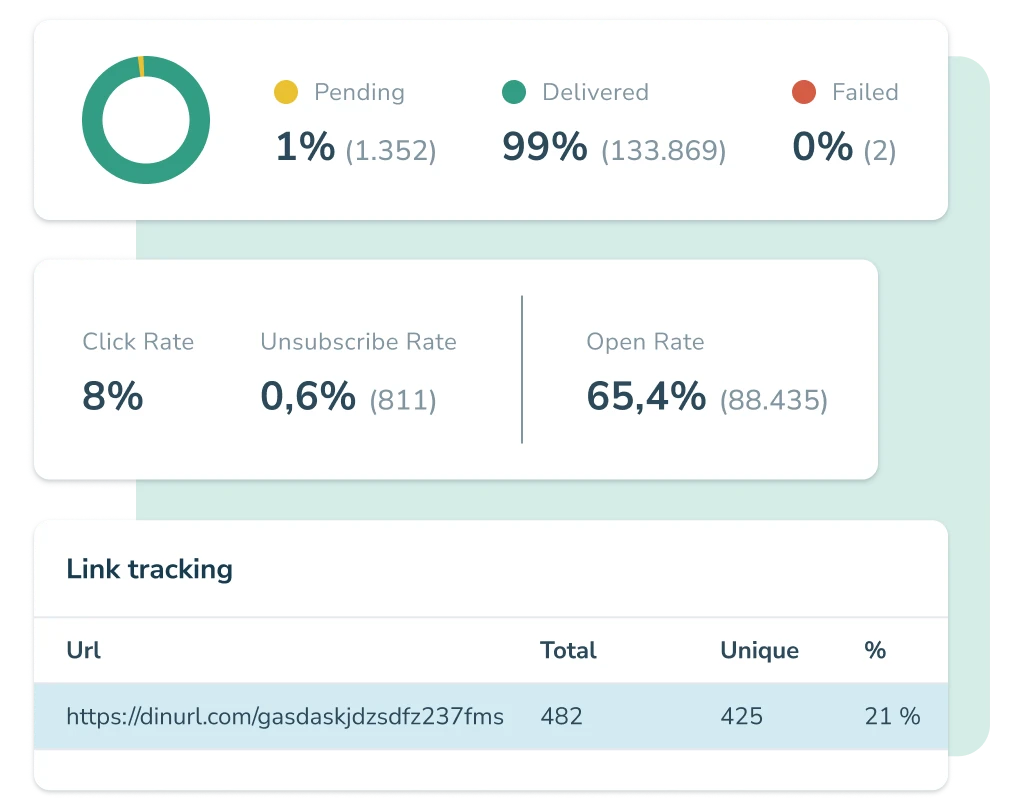
When you send RCS messages, you gain access to detailed data showing how recipients interact with your content. Track clicks, views, read receipts and interactions — and use these insights to optimise your communication.
These measurable results make RCS a powerful tool for any business that wants to communicate in a targeted, personal and data-driven way.
- Click and view data
- Read receipts
- Real-time reporting
- API integrations
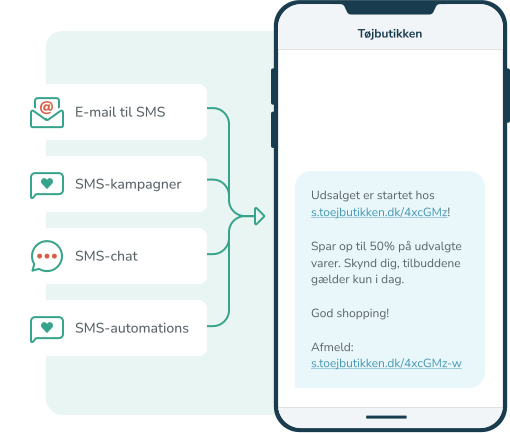
SMS Options
SMS marketing opens up a world of possibilities for how you can utilize the SMS channel. For example, would you like to send an automatic SMS message to new members of your customer club? Should the recipient be able to reply to your message? And do you prefer to write your SMS messages in your email system and send them from there?
All of this is possible with SMS communication in inMobile.
- SMS chat
- Email to SMS
- SMS automation
- SMS Campaigns


How to use RCS for business
Find more inspiration in the article: What is RCS?
RCS marketing: Make your campaigns dynamic, engaging and interactive
With RCS marketing, you can create campaigns that capture attention instantly and drive engagement. By using images, videos, product carousels and clickable buttons, you bring the customer journey to life and guide recipients directly to purchase, sign-up or dialogue.
With inMobile’s intuitive RCS marketing tool, you can:
- Build RCS campaigns featuring products, offers or events.
- Create dialogue and interaction with response options and buttons.
- Measure clicks, views and interactions in real time to optimise performance.

RCS service: Share important information clearly and visually
RCS makes your service messages visual, action-oriented and personal, ensuring they are both seen and understood. With RCS Service messages, you can communicate clearly and effectively with customers, employees or users - whether you are sending reminders, service updates or operational information.
With inMobile’s flexible RCS Service, you can:
- Send messages that are seen, understood and acted upon directly in the thread.
- Update customers and employees about operations, changes or news in real time.
- Automate messages so communication is timely and without any manual effort.

RCS API: Integrate RCS and automate essential messaging
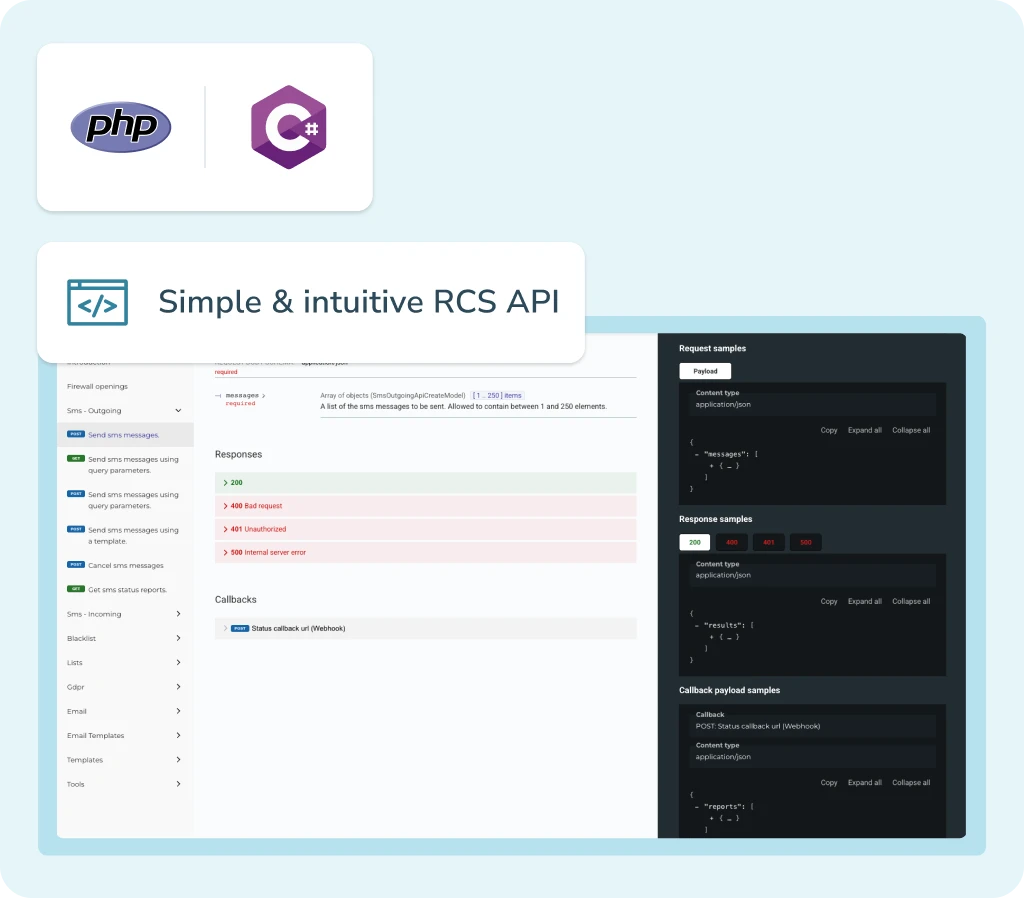
With inMobile’s RCS API, you can send, receive and manage RCS messages directly from your own systems. Integrate RCS into your CRM, ERP or marketing setup and automate messages such as order confirmations, reminders and marketing flows. inMobile’s RCS API makes it easy for developers to build streamlined integrations.
With inMobile, you get a well-documented RCS API that allows you to:
- Integrate RCS directly into your systems for full automation.
- Receive responses and data in real time to react quickly and efficiently.
- Scale your communication without compromising security or stability.
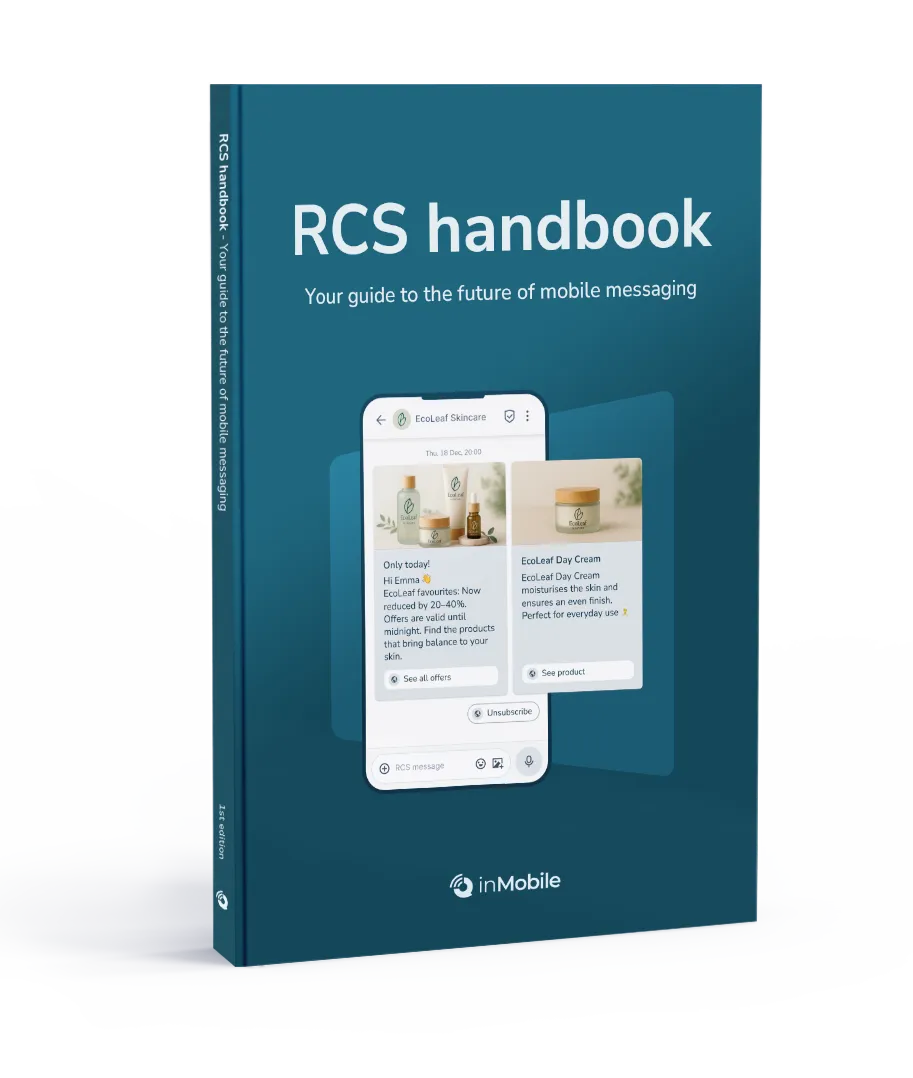
RCS inspiration - just one click away
Get inspiration, tips and knowledge about RCS
Security and stability you can rely on
When you communicate via RCS, you need complete confidence that your messages are delivered securely and consistently - every time. inMobile is built on high reliability, transparent data handling and personal support, ensuring you are always in safe hands.
Verified sender
Data security and compliance
High deliverability rate
Personal support
Try RCS today
Do you want to stand out and give your recipients a great experience?
Create a free demo with inMobile and see how RCS can elevate your communication to the next level.
Try it free for 14 days — or book a demo with one of our RCS specialists.

RCS features: More than just text
RCS is about more than messages – it is about experiences. With inMobile’s RCS service, you get all the features you need to create communication that looks great, feels personal and drives action.


Brandet sender and verification
Show your logo, brand colours and company name directly in the RCS thread. The verified sender badge builds trust and instant recognition, ensuring recipients know the message is genuinely from you. This strengthens both credibility and visual identity.

Rich media
Bring your communication to life with images, videos and audio files that instantly capture attention. Showcase products, presentations or guides directly in the message – without linking out. Rich media makes it easier for recipients to understand, remember and act on your message.

CTA buttons and links
Add buttons and links that make it easy for recipients to take action. Buttons can lead directly to purchases, bookings, polls or a conversation with you – all without leaving the messaging app. It creates a fast and frictionless experience.

Carousels
Present multiple products, offers or choices in a single message. With RCS carousels, you can create inspiring and visual experiences where recipients simply swipe through options and click on what interests them.

Two-way conversations
Create real dialogue with your customers. With RCS, you can send and receive messages in the same thread, giving customers a personal interaction. Use it for support, feedback, orders or sign-ups – all directly inside the messaging app.

Delivery and read receipts
Track the status of your messages instantly. You can see when an RCS message is delivered and read - and use this insight to time your next contact or follow-up. It gives a clear picture of recipient behaviour.

Integrations
Connect inMobile’s RCS service with your existing tools such as CRM, marketing or customer service platforms. This centralises messages, data and interactions in one place - creating a smoother workflow and fewer manual tasks.

Reporting and data
Gain insights into how your RCS campaigns perform. Track views, interactions and more, and use your data to optimise timing and messaging. Reporting helps you document results and improve your communication.
Integrate RCS with your favourite systems
Connect inMobile with the systems you already use and share contacts and data across platforms - for a seamless RCS experience.





More about RCS
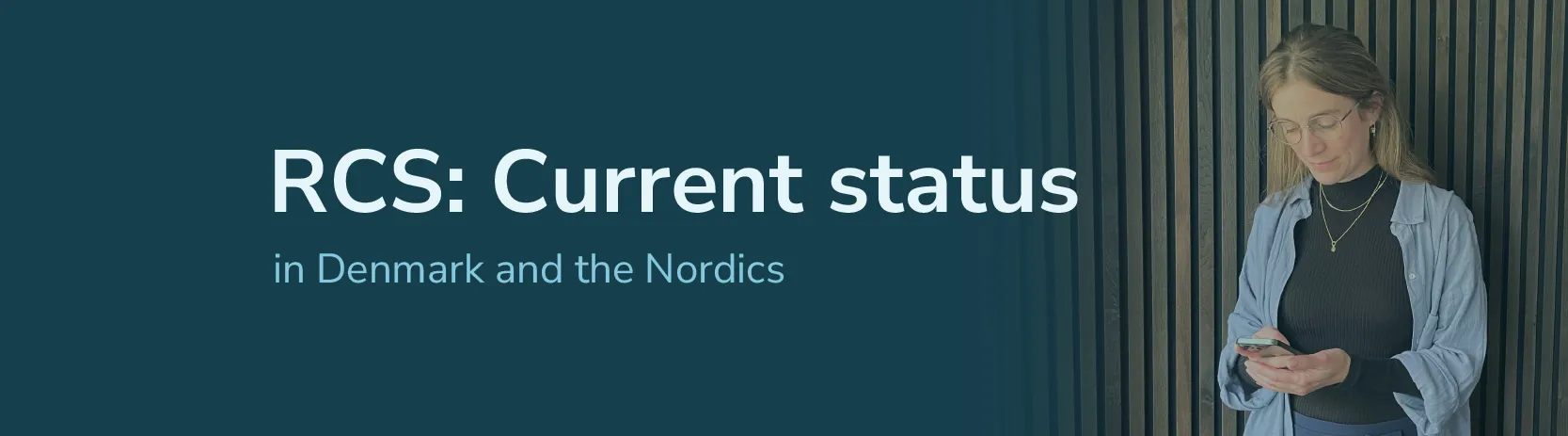

FAQ: RCS messages
RCS stands for Rich Communication Services and is often referred to as “the next generation of SMS”. An RCS message is delivered in the same messaging app as SMS, but instead of being limited to plain text, RCS Business Messaging allows you to send messages with images, videos, buttons, audio and much more — all from a branded and verified sender.
RCS makes it possible to create interactive and personal communication where the recipient can see, react and take action — without leaving the phone’s native messaging app.
Want to learn more about RCS? Read our article RCS: The future of mobile messaging.
The main difference between an RCS message and a traditional SMS is that an RCS message can include images, videos, buttons and other visual elements. While SMS is text-only, RCS allows you to deliver a more interactive and visual experience.
You also send RCS messages from a branded and verified profile inside the messaging app, whereas SMS senders are limited to either a virtual number or a sender name with a maximum of 11 characters.
RCS therefore combines the reliability of SMS with the modern features of chat apps — all inside the phone’s standard messaging app.
When you send RCS messages through inMobile, SMS can be used as a fallback. If a recipient cannot receive RCS for any reason, the message is then automatically converted and delivered as an SMS instead. This makes the two formats complement each other perfectly.
An RCS message is sent over a data connection such as Wi-Fi or mobile data. It is delivered directly to the phone’s native messaging app and displayed as a visual and interactive message with rich media such as images, video and buttons. To receive RCS, both the recipient’s mobile device and mobile operator must support RCS.
The price depends on how you use the RCS messaging format.
Yes. RCS messages can be used in full compliance with GDPR when sent through a provider like inMobile, which processes data securely within the EU. All data is handled according to applicable regulations, and inMobile holds an ISAE 3000 Type 2 attestation from Deloitte. This means you can use our RCS software with complete confidence.
Yes, you can send RCS messages to recipients abroad as long as their mobile operator and mobile phone support RCS. inMobile has an international setup with direct connections to Nordic operators and partners worldwide, allowing you to communicate globally with high delivery reliability. We help ensure your RCS campaigns perform optimally - wherever your recipients are.
You can send RCS messages directly from inMobile’s platform or via an integration with your own system. Create your message, add the rich media elements you want - such as images or buttons - and select your recipients. inMobile ensures that messages are delivered as RCS when supported, and as SMS when not.
Yes. RCS is designed with security at its core. All RCS messages are sent over encrypted connections, and businesses must be verified senders before they can message users. At inMobile, your communication is protected by our high reliability, ISAE 3000 auditing and focus on GDPR and secure data processing.
With inMobile, you get a reliable and user-friendly RCS platform designed for marketing, customer service, API integration and automation. We combine high stability with personal support and an intuitive platform that makes it easy to get started.
At inMobile, we focus on building a platform for our users - but also with them. This means we continuously develop new and innovative features based on what our customers tell us they need.
Read more about inMobile.