SMS automation
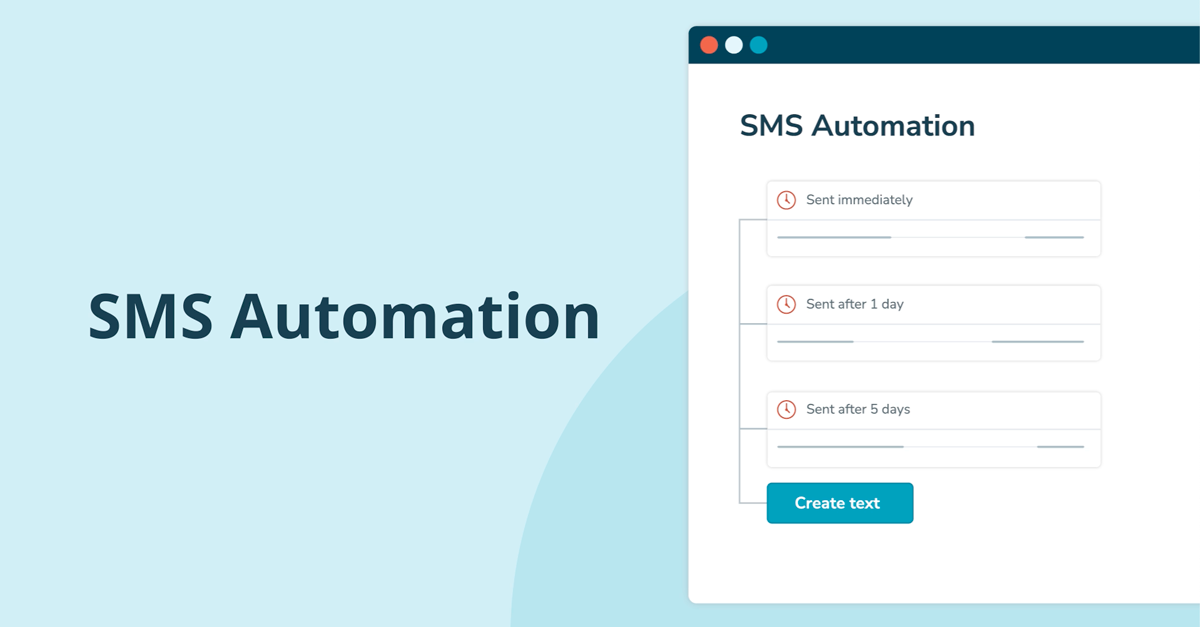
With SMS automation, you can set up a flow of SMS messages that are sent automatically.

What is SMS automation?
See how: Guide to creating an SMS automation
Hit the mark with proper segmentation
SMS automation is always connected to a list of mobile users. If you don't want to send SMS messages to all mobile users in a list, you can add segmentation.
If your SMS automation is connected to a list that integrates with a webshop or marketing tool, you can, for example, segment by most recent order date. This allows you to create a win-back flow and try to reactivate customers who have not shopped for a while, for example by sending a discount code.


Not too early. Not too late.
It is possible to define a send-out window for your automation messages. Between 08:00 - 22:00, for example. This way you avoid sending messages at times that may inconvenience your recipients.
If a mobile user joins the list outside of the sending window, they will receive your SMS message at 08:00 the next day.

Ready to see results? Try inMobile free for 14 days
Start your SMS journey today with 14 days’ free access to inMobile’s full SMS platform, and discover how direct SMS communication can transform customer contact and increase sales.

Build unlimited SMS flows
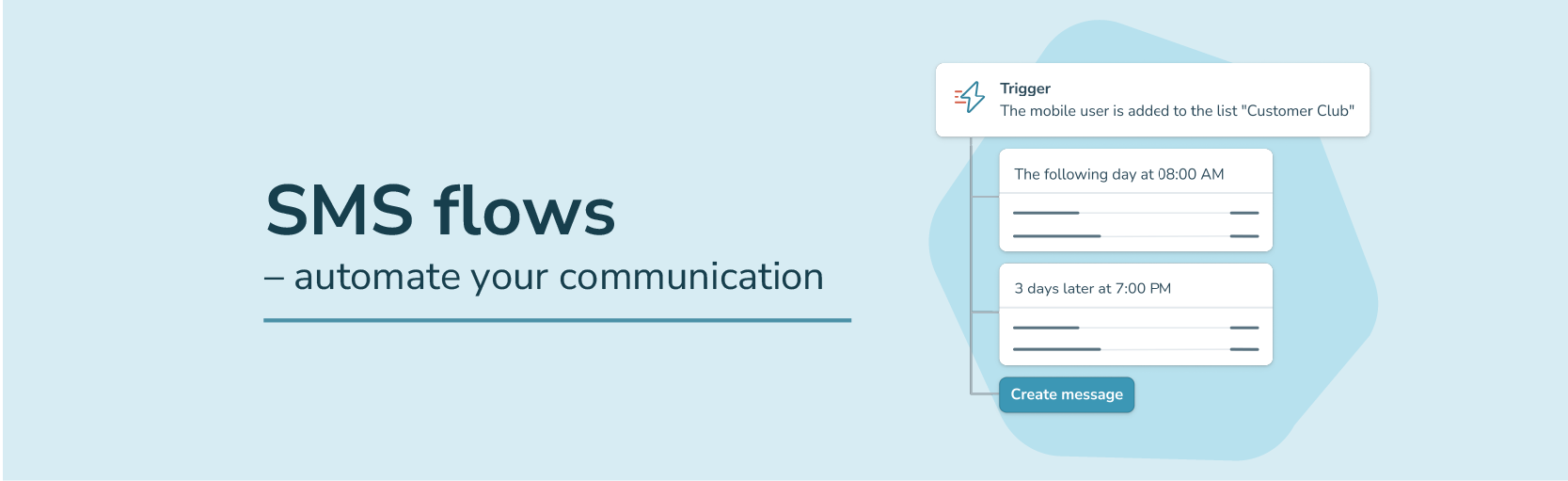
Each SMS message in your SMS flow is sent with a predefined delay. The flow is activated when the mobile user is added to the selected list. You can choose to send the SMS message immediately or insert a delay, e.g. 2 days after 10:00.
There is no limit to the number of SMS messages in a flow, and you can create as many separate flows as you need.

Personalise your SMS message by inserting data automatically
When you create a send-out, inMobile can automatically insert unique information linked to each mobile user in your list into the SMS message.
If you have registered the mobile user’s name in your list, for example, you can let inMobile insert the name at the start of the SMS message and make it more personal. inMobile matches the phone number and name when the message is sent.If you have registered the mobile user's name in your list, for example, you can let inMobile add the name at the start of the SMS message, making the text more personal. inMobile matches the phone number and name in connection with the broadcast.

Examples of SMS automation flows
You can use SMS automation for many different purposes. Below, you can find some inspiration.


Welcome flow
Set up a welcome flow and let customers know you are thinking of them. Offer unique discount codes, send warm welcome messages and other content that makes the onboarding experience unique.

Ecowear.com


Marketing flow
SMS automation can help you increase upselling because you can target your messages based on your customers’ purchase behaviour. For example, you can create win-back flows and reactivate customers who have not shopped with you for a while.
BikeShops
Reminders
Use SMS reminders when new habits or skills need to be developed, for example in connection with training courses, dietary guidance or other planned programmes.
Leadership course