Send group SMS
Send SMS to many recipients at once — quickly and professionally. With inMobile, you can create contact lists, segment your recipients, and send group SMS directly from your browser or via the API.

Send one message to many — no limits
When sending group SMS from a regular mobile phone, you will quickly run into limitations. The number of recipients is low, the overview is lacking, and it is difficult to work professionally with larger sends.
With an SMS gateway, you can send SMS messages to thousands of recipients at once. Simply create your recipient list, write your message and press send.

Send to thousands of recipients at once
Create and manage contact lists
Segment and send targeted messages
Stay on top with delivery reports


Why send group SMS?
When you need to reach many recipients at the same time, speed and precision are crucial. With group SMS — or bulk SMS — you can communicate directly with your target audience and ensure your message gets through instantly.
Unlike email and social media, where visibility depends on algorithms and fluctuating open rates, an SMS lands directly in the recipient's mobile inbox. 98% of all messages are opened. This makes group SMS an effective channel when your message can't afford to get lost in the noise.
At the same time, a professional SMS platform lets you work in a structured way with lists and segmentation, so you only send to the right recipients.
Ready to send group SMS?
Create a free trial account and send your first group SMS in minutes. Or book a no-obligation chat with one of our specialists to find out what you can do with SMS.

How to send a group SMS
#1 Create or import contacts
Start by adding your recipients to the system. You can add contacts manually, import via CSV, or sync data through an integration with your CRM, webshop, or membership system.
Once your contacts are added, you can organise them into lists and segments, so you can easily send group SMS to the right audiences time and time again.

#2 Select lists and segments
Once your contacts are added, select the list or lists you want to send to. You can send to an entire list — or segment further based on specific data such as location, demographics, behaviour, or other integration data.
If you need to exclude specific groups, you can easily deselect lists or set up filtering so your message is only sent to the most relevant recipients. This gives you full control over who receives your group SMS.
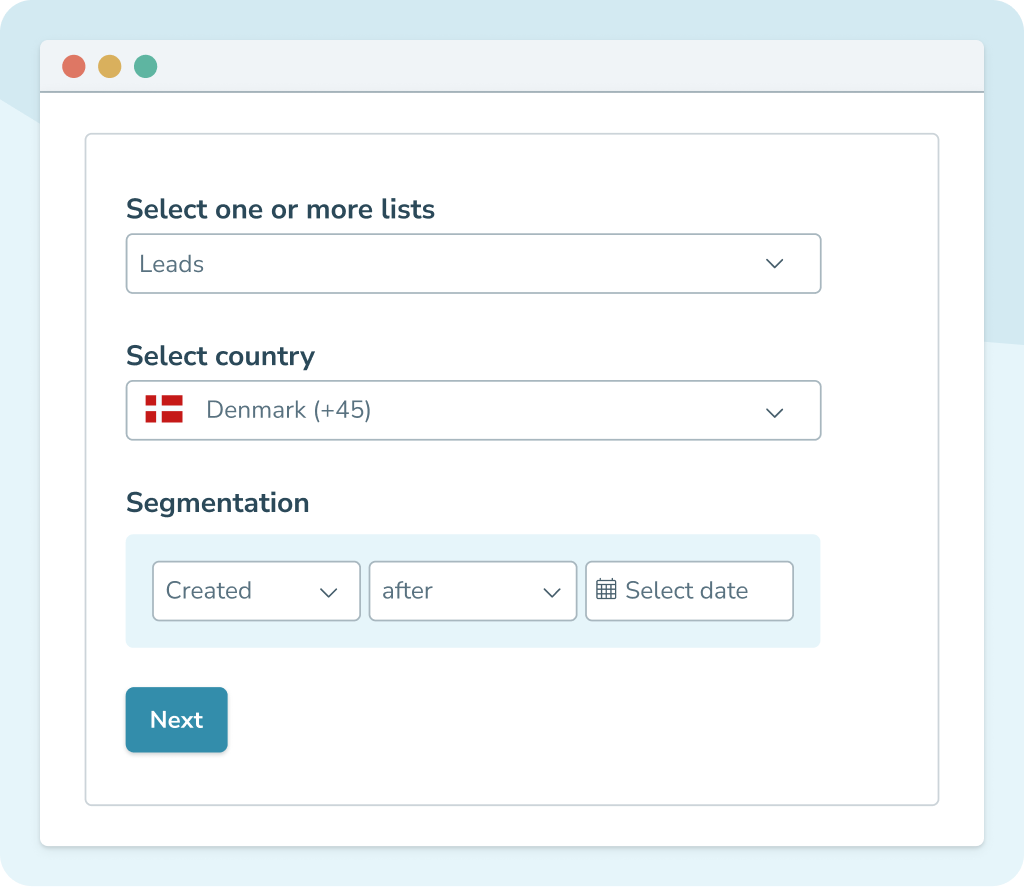
#3 Write and send your group message
After selecting your recipients, create your message in the SMS editor. Here you can write your text, insert data fields that are automatically populated with information such as first name or other data, and choose your sender name (max. 11 characters).
You can send the message straight away or schedule it for a specific time. If you need two-way communication, you can send from a virtual number so that recipients can reply to your SMS.
After sending, you can track delivery status and see which messages have been delivered or rejected. This gives you a full audit trail and complete overview.

Unlock new possibilities with powerful integrations




What can you use group SMS for?
Marketing & campaigns
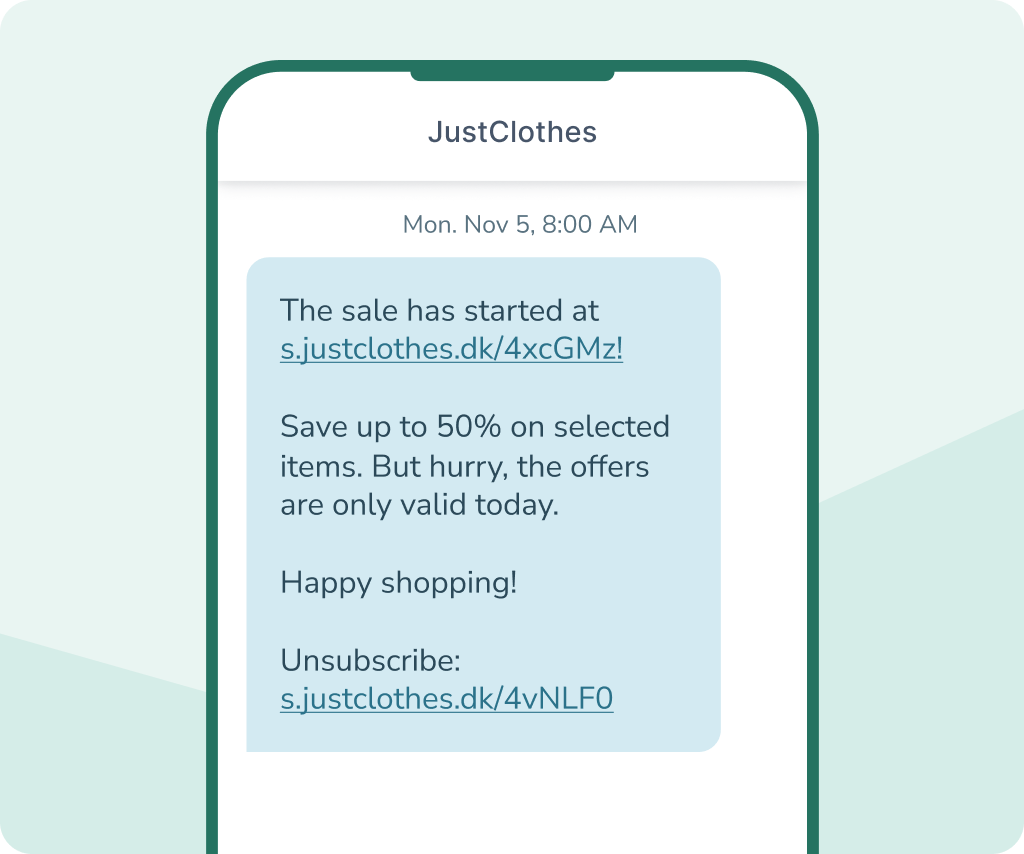
98% of all SMS messages are opened. Want to send offers, product launches, or seasonal campaigns to your entire customer list — and be almost certain your message gets seen?
With group SMS, you can reach many recipients at once. If you've integrated inMobile with your CRM or shop system, you can also segment by data such as purchase history, geography, or behaviour. That way, you're not just sending broadly — you're sending relevantly.
You can schedule your sends, personalise your messages, and combine SMS with other channels such as RCS marketing for a more interactive experience.
Operations & service
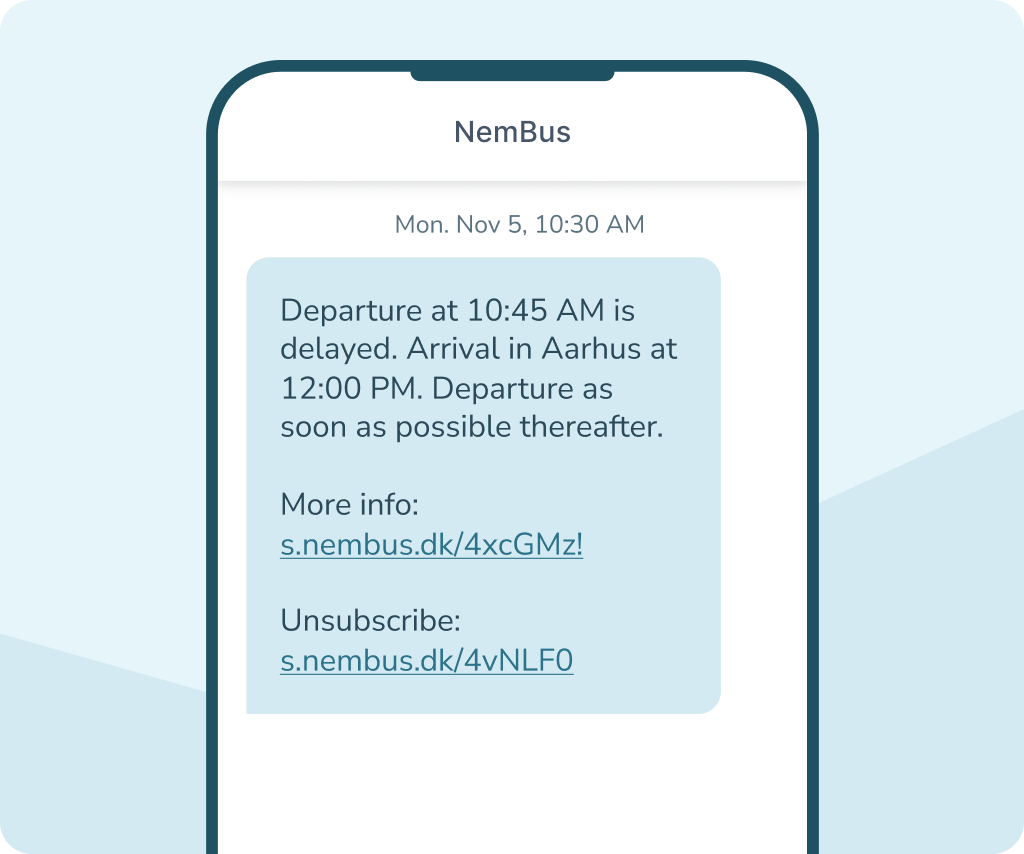
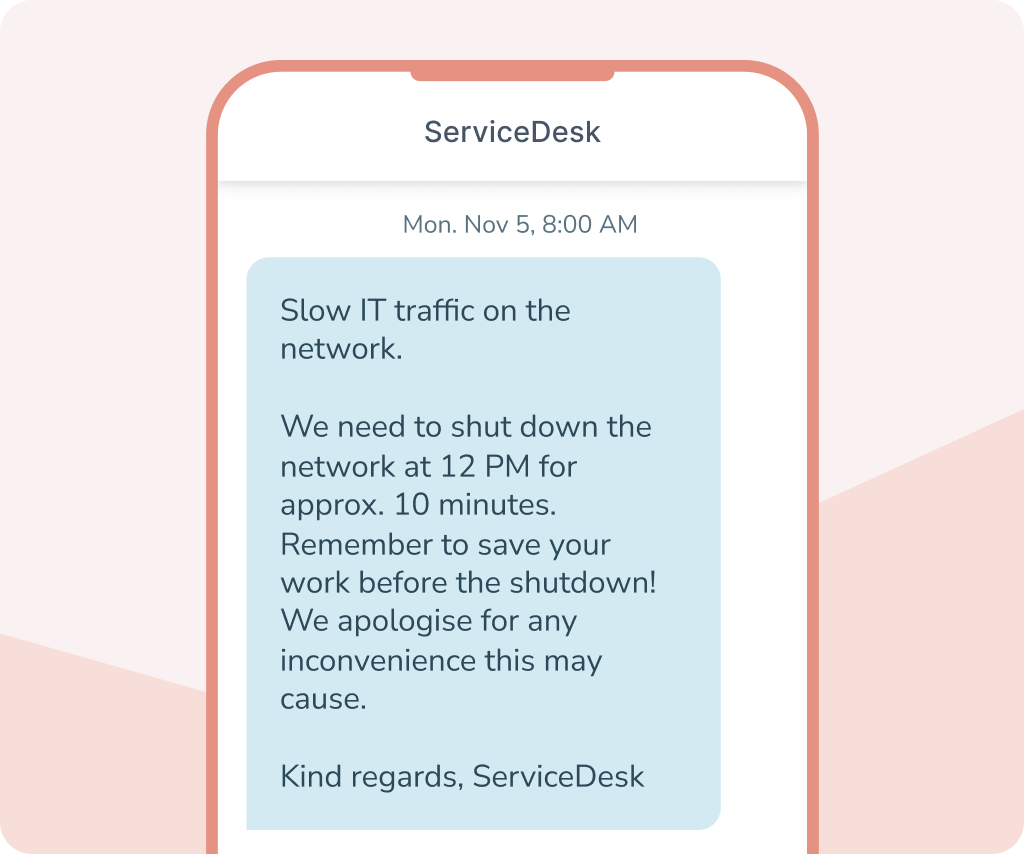
Need to inform customers about scheduled maintenance? Send booking confirmations or reminders to many recipients at once? Or quickly update them on changes, delays, or service disruptions?
With group SMS, you can ensure that important information reaches all relevant recipients at the same time. You can schedule sends, automate service messages, and track delivery status directly in inMobile.
If you need two-way communication, you can enable 2-way SMS via a virtual number — or choose RCS if you want a more visual and interactive messaging experience.
Internal communication
Need to inform employees about roster changes, internal operational updates, or urgent information?
Group SMS lets you send to your entire organisation or selected departments in seconds. You choose whether the message goes to everyone, or is segmented by role, location, or function.
You can schedule sends, document delivery status, and ensure that important information doesn't get lost. If you need responses, you can enable 2-way SMS so employees can reply directly.
Associations and member clubs
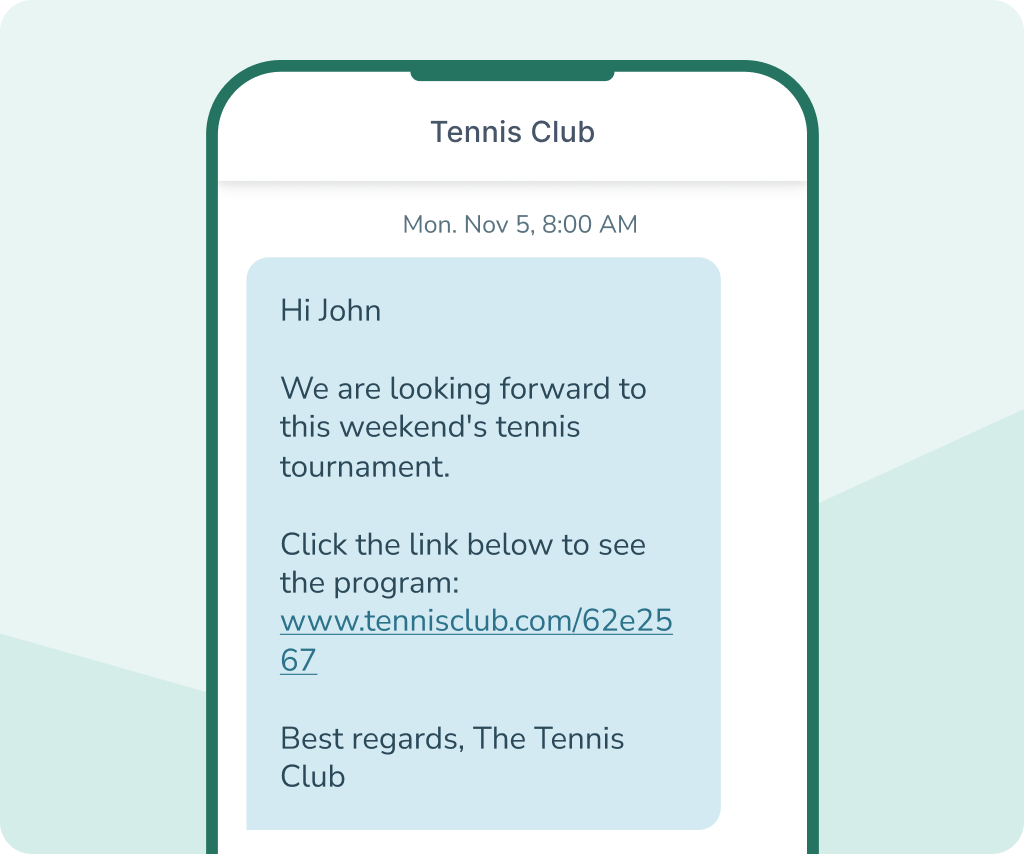
Do you run an association, club, or membership organisation? With group SMS, you can easily share updates on training times, events, AGMs, or important changes.
You can create membership lists, segment by group or committee, and ensure everyone gets the same message at the same time. This makes it easy to coordinate and keep members up to date — without relying on social media or email.
You can also integrate SMS into your existing membership system using inMobile's SMS API, if you prefer to work within your own system.



Why choose inMobile for group SMS
99.998% uptime
24/7 on-call support
Hosted in the EU
GDPR Compliant
+300 million SMS messages
+35,000 users
Group SMS features
When you send group SMS via inMobile, you get access to features that make it easy to manage larger sends and target your messages with precision.


Segmentation
Divide your recipients into segments and send only relevant messages to the right audiences — even for larger sends.

Personalisation
Insert fields that are automatically populated with data such as name or date directly into your message. This creates a more personal experience.

Scheduling
Prepare your group SMS well in advance and schedule it to send at your preferred time. This applies to both automated flows and campaigns.

Templates
Save your most-used group SMS messages as templates and reuse them in just a few clicks. This saves time and ensures consistent communication.

2-way SMS
Enable 2-way SMS via a virtual number so recipients can reply directly to your message. All replies are collected in one place within the platform.

Sender name
Choose which sender name is displayed to the recipient. This boosts brand recognition and creates a more professional impression.

Automation
Set up automated flows so messages are sent at specific triggers or times. This saves time and ensures timely communication.

Delivery reports
Get a full overview of your send with detailed delivery reports. You can see which messages have been delivered or rejected.

Integrations
Connect inMobile with your other systems and sync data automatically. This makes it easy to work with data and larger contact lists.
Group SMS pricing
When you send group SMS from inMobile, you pay a fixed monthly price for full access to the platform. The price is the same regardless of how many lists, users, or features you use.
In addition, you pay a fixed price per SMS you send. The price depends on how many SMS messages you send and to which country.
This means you get a scalable solution where the price scales with your usage — whether you're sending to 200 or 20,000 recipients at a time.
- SMS to 200+ countries
- Access to all features
- Unlimited contacts and users
- Free email, phone, and chat support
- On-call support 24/7/365
FAQ: Group SMS
A group SMS is a message sent to multiple recipients at once. Instead of sending individually, you can select an entire contact list or segment and send one message to many recipients simultaneously.
You can send to both small and large lists — whether it's 20, 2,000, or 20,000 recipients. With a professional SMS platform, larger sends are handled reliably regardless of the size of your recipient group.
Yes. Even if you send one message to many recipients, you can still personalise the content. You can automatically insert dynamic fields such as first name, company name, or other data from your contact lists.
Yes. You can write your message and schedule it to be sent at a specific time. This makes it easy to coordinate everything from marketing campaigns and customer reminders to internal company messages.
Yes. If you send via a virtual number or RCS, recipients can reply directly to your message and you can manage the conversation in one place within the platform. However, only you will be able to see the reply — not the whole group.
The price depends on how many messages you send and which countries you send to. See inMobile's pricing here.