Send SMS online
Send SMS online directly from your browser with an easy-to-use, web-based SMS platform. Log in to inMobile from your computer, create your message, and send it straight away — or schedule it for later.

An online SMS solution that gets your message across
With inMobile, you can send SMS online from one unified web platform, where everything happens directly in your browser. You get a clear overview of contacts, messages, and delivery status without any installation or technical setup. Everything runs via inMobile's SMS gateway.
inMobile is designed for businesses that want a flexible, easy-to-use SMS solution for the whole organisation.

Direct access from your browser
Send campaigns and set up automatic SMS flows
Enable 2-way SMS and receive replies online
Segment and send targeted messages


.webp)


Why send SMS from a browser?
When you send SMS from a browser, you get more flexibility in your day-to-day work. You are not tied to any particular device, app or installation, but can log in from any computer with Internet access and access your entire SMS platform instantly.
At the same time, all your communication is brought together in one place. Messages, replies, contact lists, and reports are available in the same interface. This gives you a clear overview and makes it easy to collaborate across the organisation.
In short: An online SMS solution makes it easy to get started and scale your messaging without installation, technical setup, or ongoing maintenance.
Ready to send SMS online?
Create a free trial account and get started in minutes — directly from your browser. Or book a demo with one of our specialists to see how you can use SMS.

How to send SMS online
#1 Create an account and log in
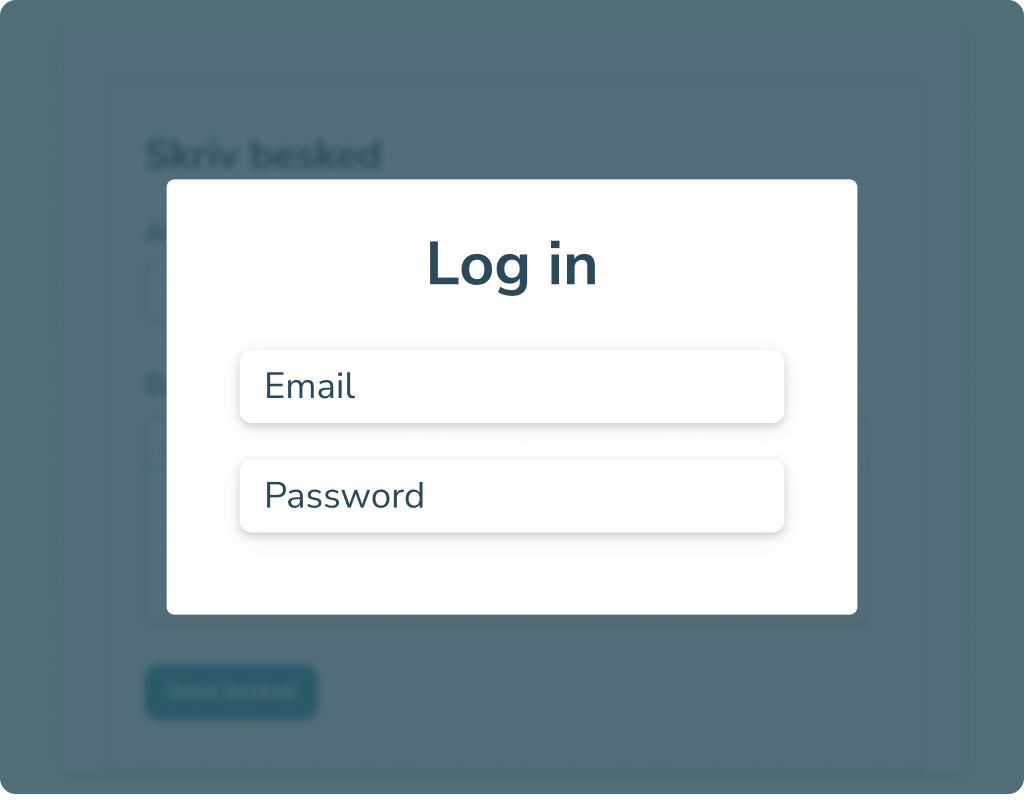
The first step is to create an account with inMobile. Once your account is set up, you log in through your browser and get access to your dashboard, contact lists, and the SMS editor where you create your messages.
inMobile is built to make sending SMS easy, regardless of your technical experience. That means you can quickly move between features, create new campaigns, and manage your recipients.
In practice, you can be sending your first SMS just a few minutes after creating an account.
#2 Upload contacts or select lists
To send SMS online, you need to choose who will receive your message. You can create contacts manually, import them via CSV, or synchronise data through an integration. Regardless of the method, you can easily manage and structure your contact lists in inMobile.
You can also exclude specific lists or segment further based on the data linked to your recipients. This lets you send targeted, relevant messages to exactly the audience you want to reach.
Learn more about your options in inMobile's resource hub.

#3 Write and send your message
Once you have selected your recipients, you are ready to write your message. Here, you can draft your text, insert links and choose the sender name the recipient will see.
You can send the message straight away or schedule it for a specific time. If you need two-way communication, you can enable 2-way SMS so recipients can reply directly and keep all communication in one platform.
After sending, you can track delivery status in inMobile.

Unlock new possibilities with innovative integrations





What can you use SMS online for?
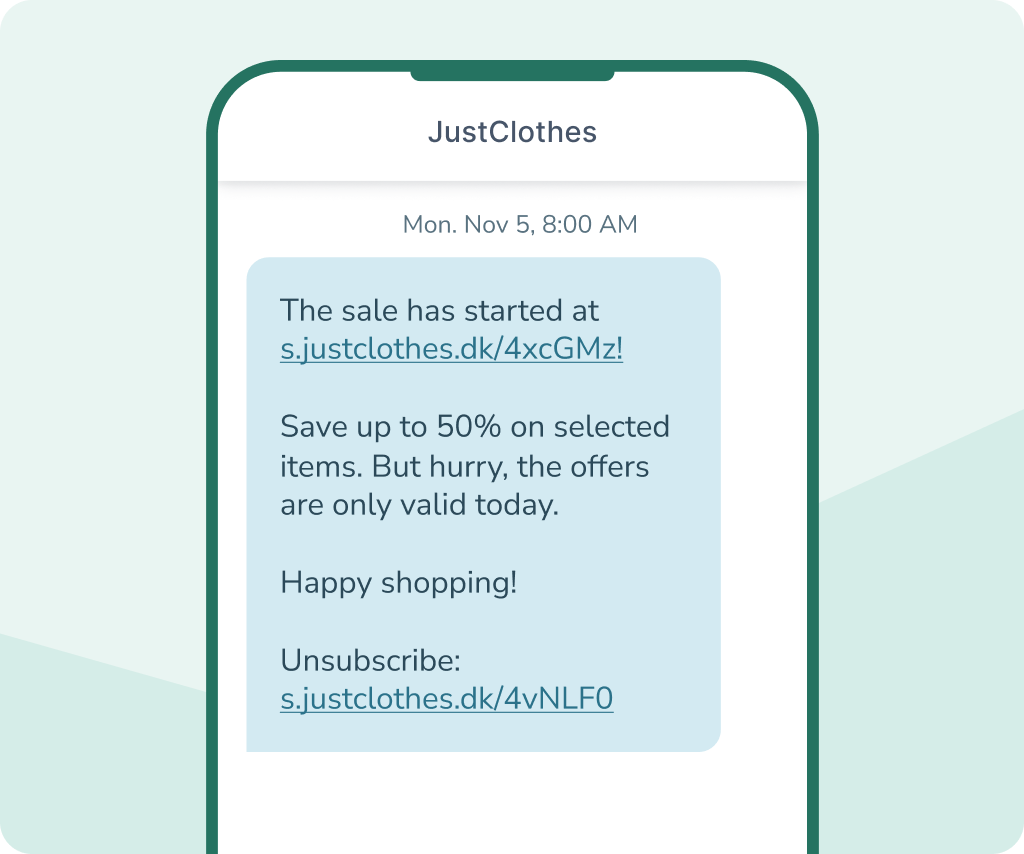
Marketing
Do you want to send a welcome message to new customers, launch a campaign for selected segments, or combine SMS with channels like transactional email or RCS Marketing for a more visual experience?
With an online SMS platform, you can quickly create and send campaigns directly from your browser. You can schedule campaigns to reach the right recipient at the right time and manage all your recipients in one place — with no technical setup required.
If you need to send the same message to many recipients at once, you can also use bulk SMS to send online SMS to entire lists.
Operations & service messages
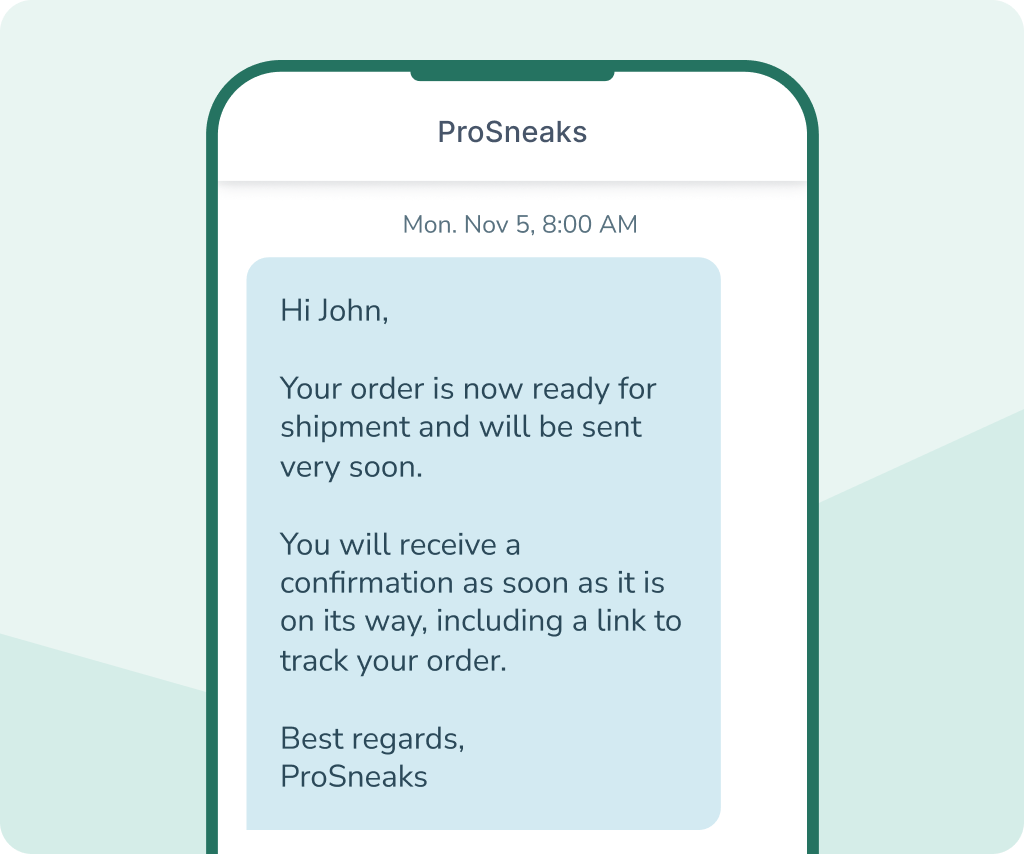
Do your customers need to be informed about scheduled maintenance? Do you send booking confirmations or reminders? Or do you need to quickly inform them about changes or delivery status?
With an online SMS platform, you can easily create and send service messages directly from your browser. You can schedule messages, automate reminders and make sure important information is delivered on time.
If you want a more visual and dialogue-based experience, you can send messages via RCS with buttons, images, and a verified sender profile.
Internal communication
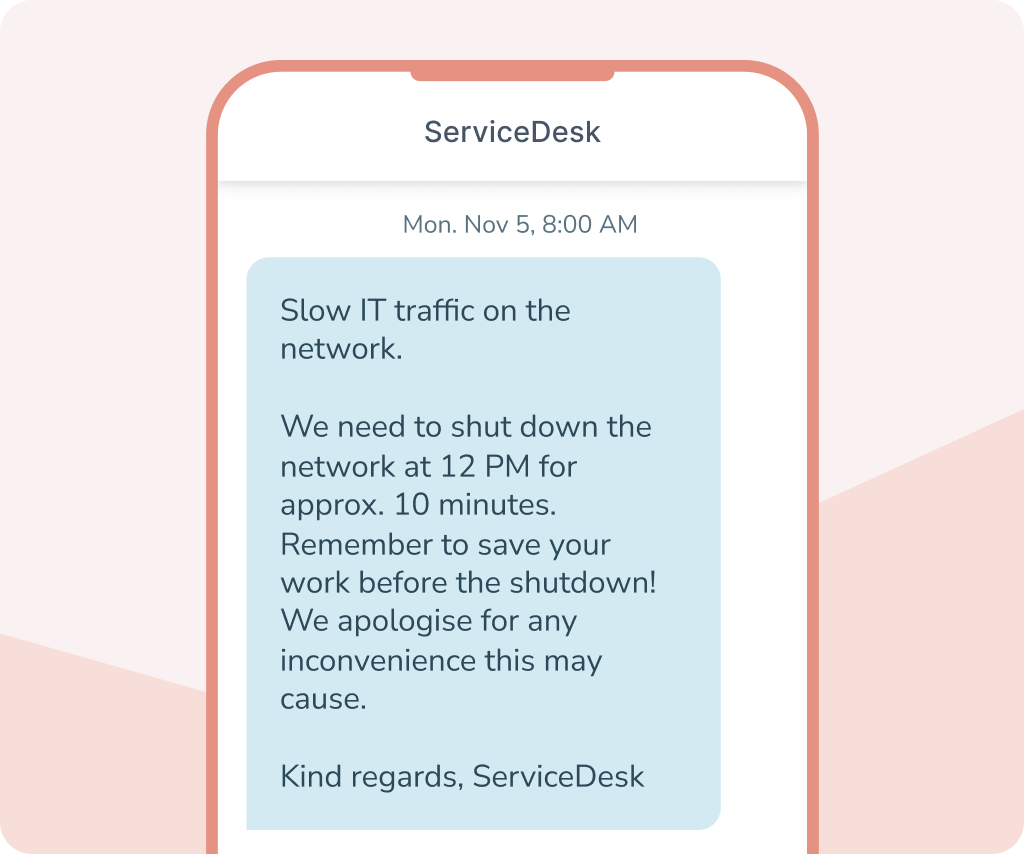
Do you need to inform employees about changes to the roster? Do you send internal operational messages? Or do you need to quickly reach the entire organisation with an important message?
With an online SMS platform, you can send messages directly from your browser to selected departments or your entire organisation at once. You can also segment your recipients, schedule messages for later and make sure everyone receives the information at the same time.
If you need dialogue, you can enable 2-way SMS so employees can respond to messages and your communication is gathered in one place.
API integration
Do you want to integrate SMS into your own systems so you can send messages from your CRM, booking system, webshop, or operations system?
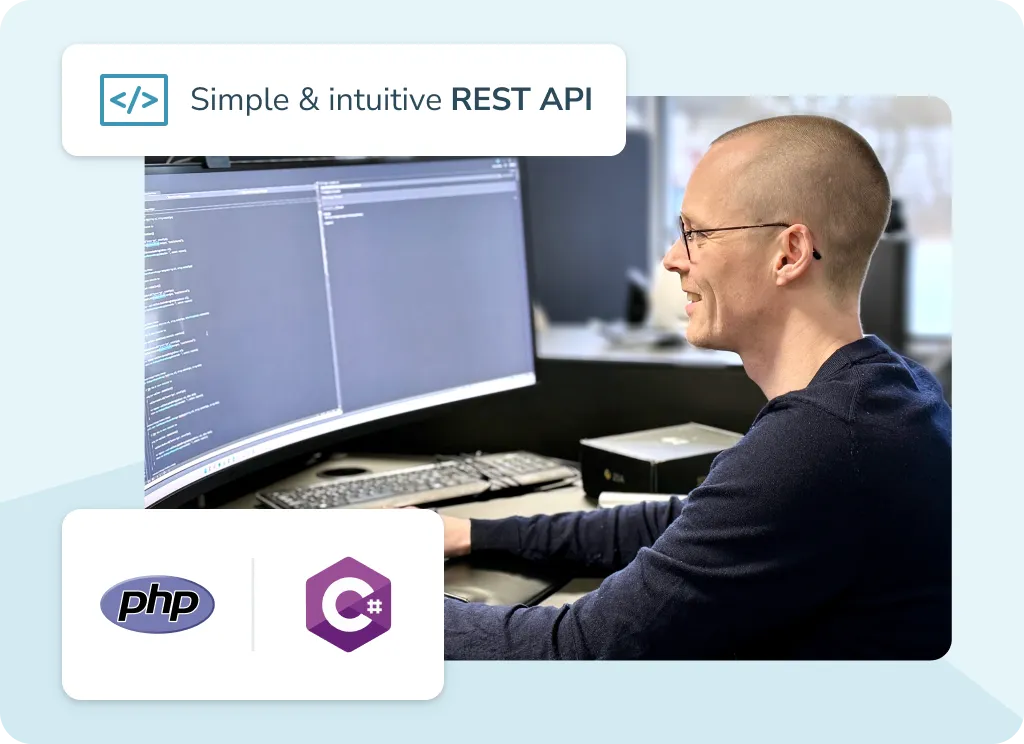
With inMobile’s REST API, you can send and receive messages directly from your existing platforms and bring all your communications together in one place. You can send individual messages manually from your system and set up automated flows, where messages are triggered by specific actions.
You control how SMS is integrated into your workflows, while inMobile handles operations, security, and connections to mobile network operators in the background.



Why choose inMobile for online SMS
99.998% uptime
24/7 on-call support
+300 million
GDPR compliant
Hosting in the EU
+35,000 users
Online SMS features
When you send SMS online through inMobile, you get access to a range of features that make it easy to create, manage, and optimise your campaigns directly from your browser.


Schedule messages
Write your messages now and schedule them to be sent later. You can schedule one-off messages, flows, and larger campaigns.

Segmentation
Choose your recipients based on data and send relevant messages to the right people. It makes your communication more effective.

2-way SMS (Conversations)
Allow recipients to respond directly to your message. You can handle conversations and see all incoming responses gathered in the platform.

Templates
Save your most used messages as templates and reuse them in just a few clicks. This saves time and ensures consistent communication.

Unsubscribe
If you send marketing messages, add an unsubscribe option. inMobile helps you manage opt-outs via a link or keyword.

Delivery Reports
Track delivery status and history in real time. You get a thorough overview of what has been sent and delivered correctly.

Integrations
Connect inMobile to your existing systems and sync data automatically. This makes it easier to send relevant messages.

Transactional email
Combine SMS with email and manage both channels from the same platform. This gives you greater flexibility in your customer communication.

Automations
Set up automated flows that send SMS messages based on selected actions or specific time intervals — without manual work.
Online SMS pricing
The cost of sending SMS online depends on how many messages you send and which countries you send SMS to.
With inMobile, you pay a low monthly fee for full access to the web-based SMS platform, including all features.
In addition, you pay a fixed price per SMS, so you only pay for the messages you actually send. The price per SMS depends on your typical volume.
See the current prices below, or contact us to learn more.
- SMS to +200 countries
- Access to all features
- Unlimited number of contacts and users
- Free email, phone and chat support
- 24/7/365 phone support
FAQ: Online SMS
Yes, you can send SMS online via an SMS gateway like inMobile. You log in to your browser, create your message and send it to one or more recipients directly from the platform.
Create an account with a web-based SMS platform, log in and create your message. Then select your recipients, write your text and either send it immediately or schedule the campaign for later.
Yes, you can send SMS online to recipients all over the world. The price depends on the destination and number of messages. Read more about sending SMS abroad here.
No, you don't. An online SMS solution is web-based and requires no app or software installation. You simply log in via your browser and then have access to all features.
Yes. When you send SMS online through a professional provider, delivery, security and operator connections are handled centrally. At inMobile, data is hosted in the EU, and the platform is GDPR compliant and ISAE 3000 audited.
Yes, but this requires 2-way SMS to be set up via a virtual number or you can use RCS instead. With a virtual number, recipients can reply directly to your message, and you can manage all conversations in one place.