
Incoming text messages
Receive incoming text messages via a webhook
Receive an HTTP GET or HTTP POST webhook from inMobile when a specific incoming text message is received on your account.
How to set up a webhook
1 - Log in to your inMobile account, navigate to "SMS workflows" and order a keyword on a short code (e.g. 1245) or a virtual number.

2 - After you have ordered the keyword or virtual number, click "New setup" and select "HTTP call".
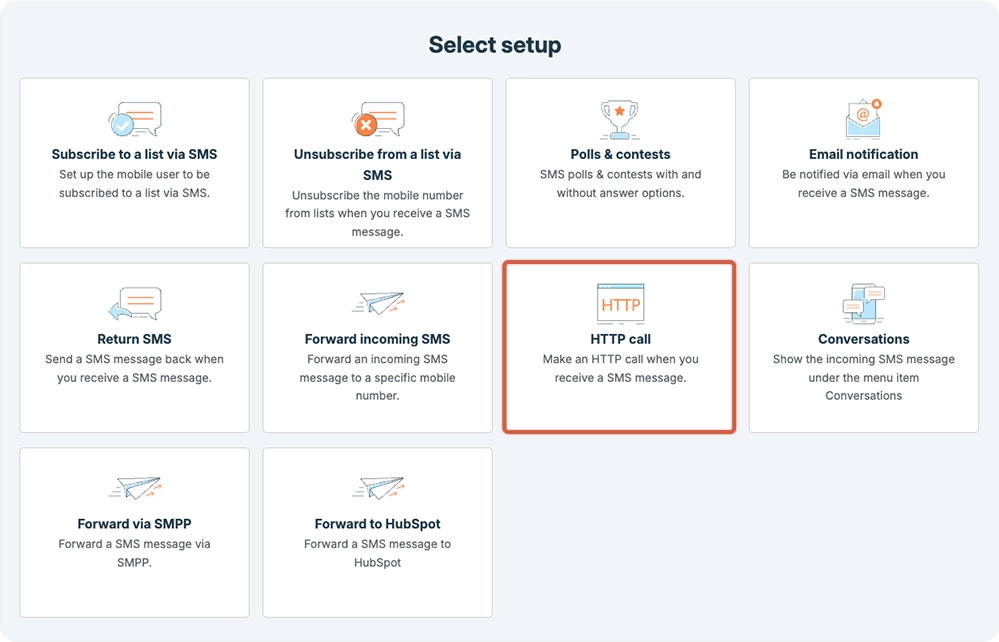
3 - Follow our setup guide, and you will then have set up an HTTP POST or GET webhook.